
Last updated on September 21st, 2026 at 08:31 am
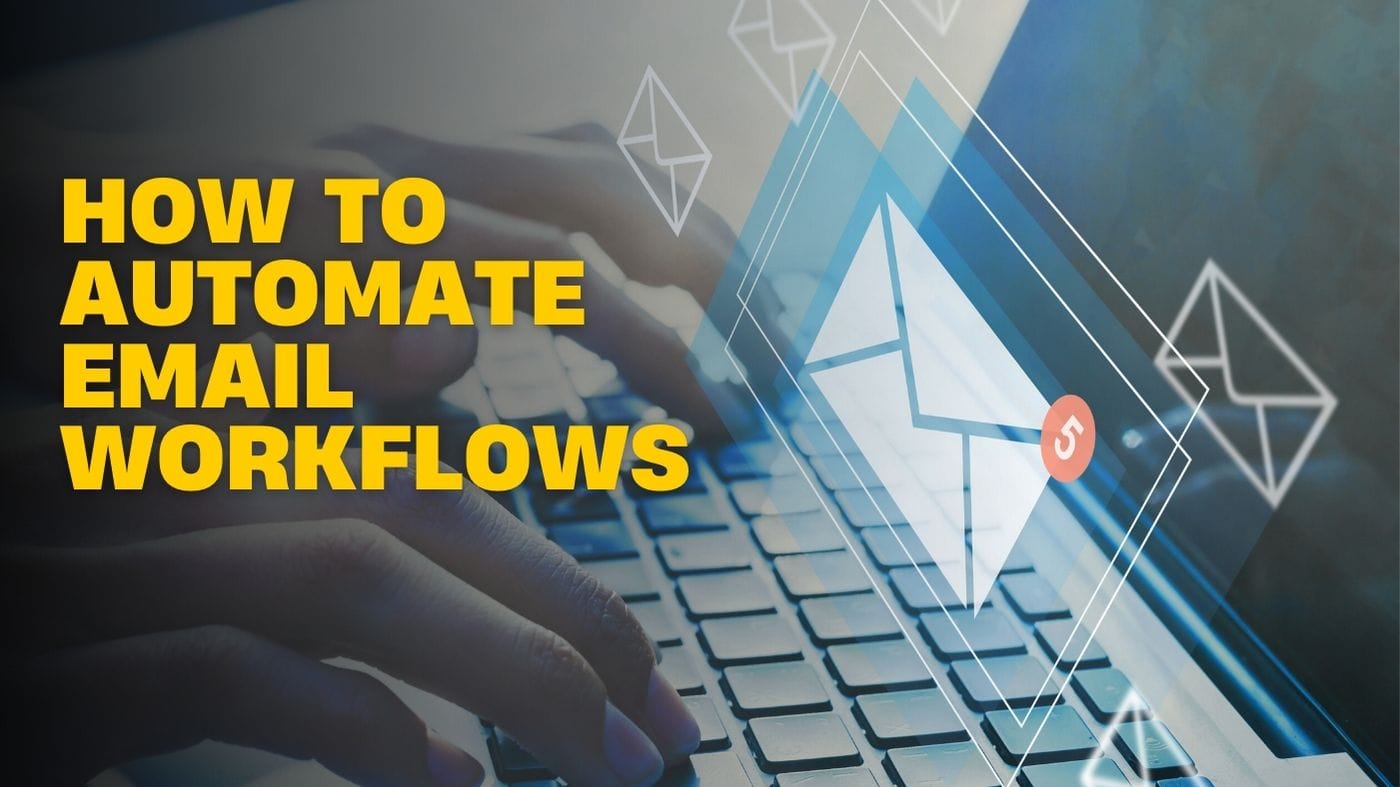
If you’ve ever thought you are just re-sending the same email to people and manually following up for hours, you should definitely consider learning about email automation.
Email automation processes are a not-so-secret weapon for efficient, successful, and compelling email marketing. They let you deliver the right message to the right person at the right time, without you having to do anything after setup.
In fact, what is an email automation workflow? When is it appropriate to use them? And, most importantly, how do you make one?
Table of Contents
What is email automation?
The workflow automation community may find this simpler. Modern email automation improves consumer communication. Triggers and actions deliver emails to specific recipients based on their activity or schedule.
Businesses save time and maintain operations through automated email systems that send emails automatically. The system allows you to create customized email automation that delivers relevant content to recipients at scheduled times, tailored to their specific needs.
Email automation increases customer engagement and conversion rates by sending welcome emails to new subscribers, personalized lead-nurturing messages, and reactivation emails to inactive customers. Email marketing automation data provides reliable information you can use to make decisions.
The strategy requires improvement through analysis of email metrics, including open rates, click-through rates, and others. A fast-paced digital world requires email automation for efficient, timely, and tailored company communication.
Email workflows vs. Regular campaigns
A regular email campaign sends the same message to everyone on a list all at once. An email workflow adapts to individual behavior.
The campaign strategy considers your target audience as a group. The workflow method sees each subscriber as an individual with a unique timetable. Someone who joined up yesterday receives a welcome sequence. Someone who explored merchandise last night receives a follow-up about those items. Both occur naturally, yet each feels unique.
Relevance is key to success; this difference matters. Redirecting subscribers’ communications to relevant moments in their journey, rather than relying on your marketing calendar, increases engagement.
Tips to Develop an Email Automation Workflow
You can find a comprehensive guide outlining what to do at each stage.
Set Clear Goals
Establish your automation goals before you begin. Which of the following would you like to achieve: bringing back current customers, introducing new users to the product, or turning leads into customers? Your automation strategy will be the correct choice when you establish specific objectives.
Choose the Right Email Marketing Platform
Choose an email marketing platform with automated features that meet your specific needs and let you track key milestones until you reach your goals. Mailchimp, HubSpot, and ActiveCampaign are among the most well-known options for email automation.
Segment Your Audience
Segmentation is a must-have in your arsenal if you want to send personalized emails because you can’t treat all your customers the same way. Divide your email list into groups based on demographics, behavior patterns, interests, and purchasing activity.
This approach lets you send emails with content that matches their interests, increasing the likelihood they’ll open them and take follow-up actions.
Define enrolment criteria
Explain the requirements for adding an email address to a particular email automation system in a way people can easily understand. Examples of email marketing include entering an email address through your website form, clicking links in your emails, or registering as a marketing lead. Your email process will be tailored to the kind of individuals defined by these registration criteria.
Choose the processes to automate
Select which business processes need automation. Workflow automation begins after you create an email list, which you will use to select your automation targets. Your current process development work should include an assessment of its capability to send emails and launch complete email campaigns, schedule email deliveries, add contacts to your CRM system, and perform any other beneficial functions.
Now is a great time to review existing email automation connectors that can help you reach your goals.
Benefits of Email Automation
Saves time
Time is the most valuable resource, whether you are a busy employee or a retiree enjoying your senior years. Email automation lets you set up emails in advance and let them work their magic while you focus on other things. This is one of the many advantages of using email automation. No matter your age, it’s like having an extra set of hands to help in any situation.
Drives sales effortlessly
Saving money requires constant attention because it’s one of the most critical tasks in managing both household expenses and business operations. Email automation supports business growth by automatically contacting clients at optimal times to improve sales success rates.
Retain customers
Building lasting customer relationships is a core responsibility, whether you are an entry-level employee or a seasoned professional.
Email automation systems help you maintain audience connections by delivering relevant messages that draw them to your content.
Better personalization
Personalized email processes automatically send emails with contact information in personalization tokens. Instead of ‘Hi, there,’ the email will read ‘Hi, Bill.’
Email workflow software provides location, employer, and additional features for its users. Your organization can build better relationships with prospects through personalized email automation. Implementing personalized email content improves open and click-through rates.
Reduces the potential for errors
Because you currently depend on one person to write and send emails to prospective leads, there is a high probability that something will go wrong. People can misspell a name, but they can avoid this common mistake by using the email as a guide.
The recipient will lose trust in your business when you send your email too fast and make spelling and grammar errors. It shows a lack of attention and care when you don’t follow email protocols and edit and check multiple times before sending.
Reduces costs
Every day, you don’t need a huge sales force to make cold calls. People can be reached when they are ready, and you won’t need extra admin teams to ensure emails are sent regularly, since there is no need to shell out cash for a huge crew to pursue leads relentlessly.
The marketing automation system is designed to make operations easier for non-technical users, enabling less experienced marketers to manage their workflows.
Final Thoughts
Designing and executing automated campaigns takes time and effort, but it produces content that better meets your audience’s needs through its interactive, compelling nature, driving better performance.
Keep in mind that email workflow automation can transform how you connect with your audience.
Read:
How I Quit Using Costly SEO Tools to Use Linkrify (And My Rankings Did Improve)

Passionate content writer with 4 years of experience specializing in entertainment, gadgets, gaming, and technology. I thrive on crafting engaging narratives that captivate audiences and drive results. With a keen eye for trends and a knack for storytelling, I bring fresh perspectives to every project. From reviews and features to SEO-optimized articles, I deliver high-quality content that resonates with diverse audiences.