
Last updated on September 15th, 2026 at 10:36 am
If you’ve ever found yourself in another country, dialing up your phone and watching your balance plummet in seconds, you already know the problem. Roaming has long since become a major pain for anyone traveling abroad, even in 2026. The solution isn’t always a new SIM or a clever app to cheat your carrier; sometimes you just need to move your number to a provider that actually gives roaming a damn.
How it works: When you’re porting your number to another operator, what happens? And what does it mean for the way you go roaming for a two-week holiday or a move abroad?
Table of Contents
How your existing network may be draining your resources overseas
Not all operators handle international roaming the same way. Some have good cooperation with foreign operators and sell flat daily roaming packs, while others barely support roaming packs, so you end up with absurd per-megabyte charges.
When I checked some major Indian operators before a trip, the variance in their roaming packages was unbelievable: one provider had a fairly decent daily Europe package, another had nothing more than a Business class package, and another omitted some countries altogether. That’s why porting matters. Your number stays the same; what makes the difference is who you’re connected to through roaming agreements.
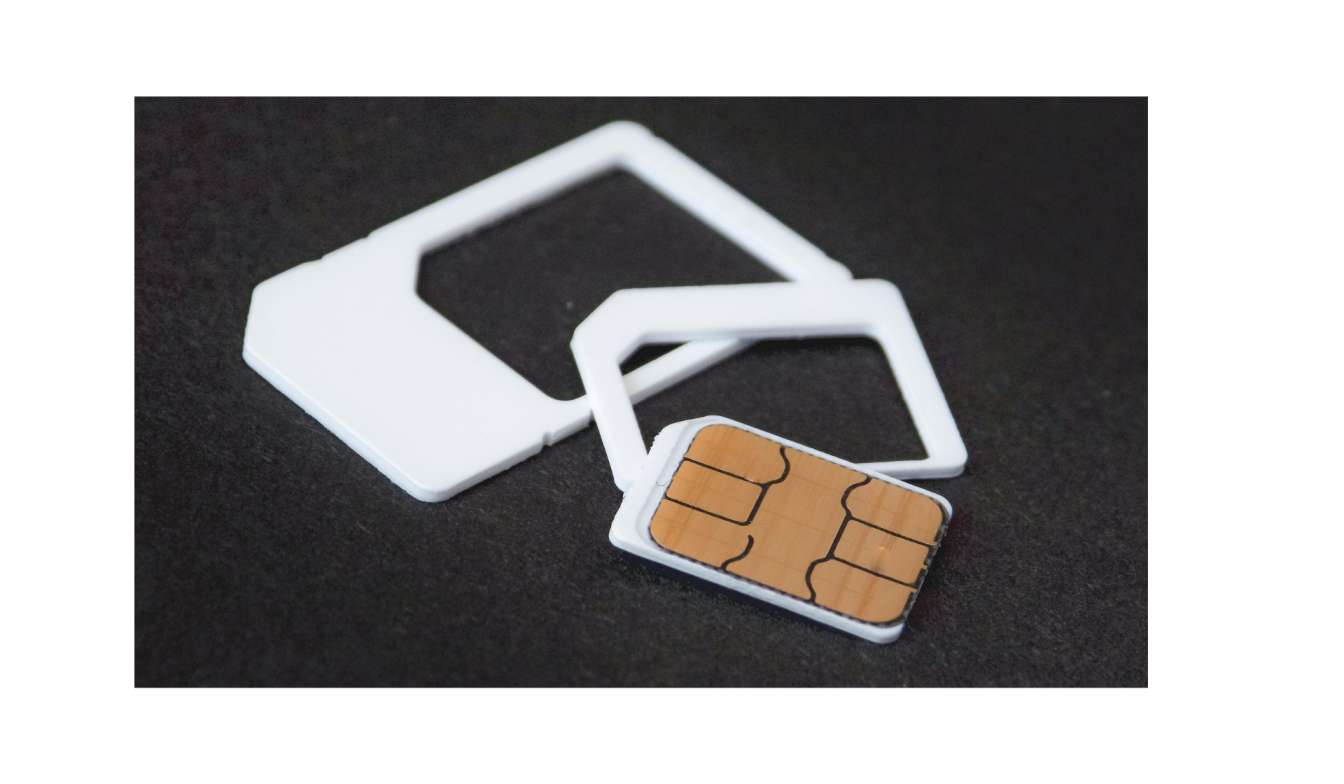
How to Transfer Your SIM to a Different Network for Improved Roaming Domestic Services
Number Portability is the process of moving your number, or retaining it when changing network providers. Whether it’s a simple software swap or a more complex hardware transfer, the specifics vary by country, but over 119 countries now offer number portability.
Here’s the basic flow most people will go through:
- Ask your current operator for the port code. In India, it’s called a UPC (Unique Porting Code) and is sent by SMS after you text “PORT” to 1900.
- Give your code to your new operator (online or at a store with your ID proof).
- Wait for validation—the old operator screens your account for payment forwarding or other factors that affect eligibility.
- Get this when you switch. This is normally included in your confirmed order/service plan.
- Insert the new SIM on the arranged date; your number will then move to the new network, usually overnight.
In India, this usually takes 3–5 working days, although it can take longer at cross-region ports. Now compare that to the UK, or most of Europe, where ports will take a day at most (unless you have a petabyte of data to download) once the code has been entered. Keep that in mind if you’re about to leave the country and want a new roaming package ready to go before you jet.
This 7-day rule can totally mess up your travel plans.
The other thing I saw while researching this for a friend booking a last-minute trip is that India requires a 7-day delay after a SIM swap/replacement before it can process a port request. This is to combat SIM-swap scams, which is undoubtedly a valid reason, but it also seems to prevent rushed ports after a lost or damaged SIM swap.
If you are switching networks mainly to save on international roaming charges, do this at least two to three weeks before you are due to travel, as the port can take this long for some networks. If you request the port only when you travel, you might pay your existing network’s high roaming charges for a couple of weeks.
What actually changes for roaming after you port
Many people think porting affects only calling or texting from home. The truth is it affects how your phone travels around the world.
Your home network identity shifts. The IMSI stored on your SIM (or eSIM) dictates whether the network considers you a “home” or a “roaming” subscriber. After porting, telecom providers’ former roaming packs or alliances lose validity; your number is now bound only to your current provider’s monthly offerings.
Billing is transferred completely to your new operator. If your other network had an active roaming add-on, it’s all gone. Your new operator’s rates, packs, and partner networks now apply.
It’s even easier for those with an eSIM. Provided the operator you switch to offers the technology, the new profile can usually be downloaded automatically directly to the device, without waiting for the courier to drop off a plastic card, and many phones support having both profiles running at the same time if you’d like to try out the network’s roaming before committing to it.
eSIM, multi-IMSI, and any other technology that it’s useful to learn about
Few mention this stage in the basic porting guides, but it is very helpful to get there:
An eSIM with multiple profiles. Your phone can carry your normal number and a travel one simultaneously. You don’t lose your main number, but your data goes through whichever profile you select for that trip.
Most multi-IMSI SIMs (mostly IoT-based, or a couple of travel-based SIMs) can change switchties depending on the location rather than roaming ones. The average consumer generally doesn’t buy rates directly, but some MVNOs base their travel operations around this network technology.
Another one you might see is local breakout (LBO). Rather than sending your information all the way back home, through your own network’s servers (which costs more money and takes longer), it sends your data locally from the foreign networks you are on. If this is advertised on a network, it usually means cheaper and faster data as you travel.
A real one: transborder before a two-week trip to South-East Asia
Assume you are in India and you’re going to Thailand and Vietnam. Your operator’s international roaming pack is more expensive than buying a local SIM at the airport, but you can’t afford to lose your number for OTPs and calls back home.
Here’s a practical approach:
- First, check whether your current operator has good roaming packs for those countries; sometimes you don’t even need to port.
- If not, identify operators with stronger international links and port to one at least 2–3 weeks before your travel date.
- After porting, turn on the international roaming pack and test it locally before leaving the country (via Wi-Fi calling or a quick data check).
- Have a backup local data eSIM (Airalo or similar) so you’re not completely reliant on roaming charges once you’ve switched.
This combo- porting to a roaming-friendly network and purchasing a local eSIM for data generally costs less than choosing one or the other. It may also be practical to get your affairs in order while you’re decking out your phone for travel. For example, long days of travel often mean you’ll need a good power bank (not always available when you’re abroad), and you’re going to want to know how to maximize the Life of a Power Bank.
Report on errors that delay, capsize, or spoil a port (and how to avoid them)
A few things consistently trip people up:
- Unpaid bills or bills to be settled before contract lock-ins. This matters more for postpaid users.
- SIM aging requirements in India. Your SIM must be at least 90 days old before you can request a port code.
- Locked phones: If you’re using a device that’s still locked to the operator you bought it from, you’ll have to do the unlocking dance with that operator.
- Expired port codes. UPC and PAC codes expire after about 15 days; if you don’t use them in the required time, you’ll have to ask for a fresh one.
- Assuming roaming packs will transfer. They don’t. You lose any roaming benefits from your previous operator the second you change your number.
In my experience, most delays weren’t in the porting process itself; they were because customers hadn’t checked their account (dues, SIM age, lock status) before starting.
Should you port, or get a travel eSIM?
This is the one I am asked the most. Honestly, it depends on how often you travel.
Port if:
- You are a US traveler and no stranger to international roaming. You travel abroad frequently and want a better long-term roaming rate.
- Your current operator’s roaming options are genuinely terrible in many parts of the world.
- We’re transferring countries long-term, and you need a network with a broader international alliance.
Stick with a travel eSIM instead if:
- You’re going on one trip and don’t want to worry about porting timelines.
- Your existing network isn’t great for roaming, but changing networks is too much hassle for a (very) short trip.
- You want to keep your current number unchanged and need it in other countries.
A travel eSIM offers quick setup and avoids waiting and eligibility checks, but it doesn’t resolve your home-network roaming problems long term.
My opinion after researching this topic for some time:
The sThe surest bet for porting alone to improve international roaming is if you are a regular traveler or your current carrier has historically weak roaming partnerships. For one-off travel, it’s often quicker, easier, and simpler to use a local eSIM or travel SIM than to port for a single trip.
If you do take the time to port, allow at least two to three weeks’ buffer time before your departure date for port codes, validation, and India’s 7-day SIM-swap window; things tend to take a bit longer than you’d like. Also, make sure your roaming pack lists the country you’re headed to as a destination before you arrive, since that’s the most commonly missed step.
Another thing to do before a trip, especially if you plan to stream a lot or browse local data, is get rid of those pesky ads. Ads can use up lots of your data quota, so read How to Block Ads on YouTube in India and get it done before your trip, particularly if you’re moving to a data-capped roaming plan, where every MB is precious.

Passionate content writer with 4 years of experience specializing in entertainment, gadgets, gaming, and technology. I thrive on crafting engaging narratives that captivate audiences and drive results. With a keen eye for trends and a knack for storytelling, I bring fresh perspectives to every project. From reviews and features to SEO-optimized articles, I deliver high-quality content that resonates with diverse audiences.