I have more than 20 years of experience in logging to websites, and I would honestly say that I did not think much about how bad passwords were until I began to notice how authentication is actually implemented.
The process of moving off passwords and toward passwordless is not simply a technological fad but a solution to some of the issues that we have been sweeping under the carpet since the inception of the internet.
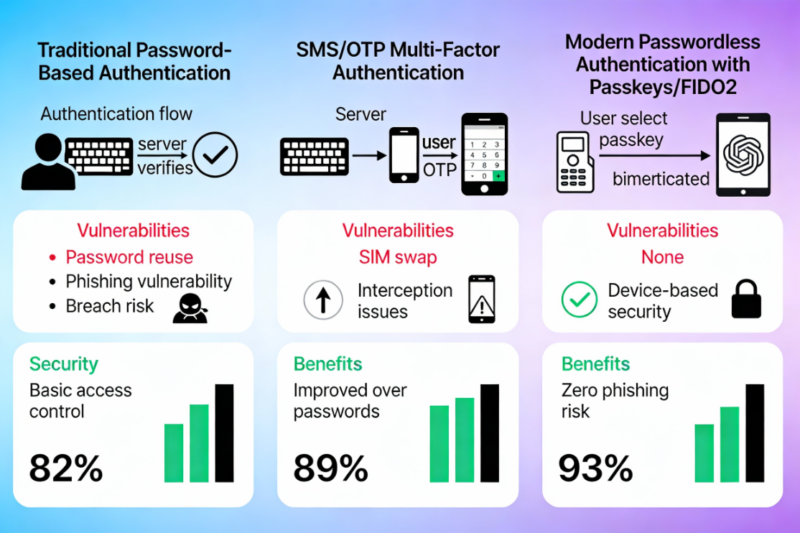
Table of Contents
The Password Era: Where It All Started
Passwords made sense in the 1990s. You needed to get something easy to secure your account and then you chose a word and typed it in and then it was over. The initial systems stored such passwords in plain text and this may sound crazy today but no one back then thought of the internet being what it is today.
In the 2000s, the situation became complicated. Websites began demanding upper case letters, digits, and special characters. Next there was the length requirements, eight, ten, twelve characters. They had the notion that complexity is an equivalent of security and what has occurred? People have begun to write down passwords using sticky notes or have been carrying the same secure password everywhere.
I tested this myself. Last year, I had to use my password manager and I saw that I had entered some form of the same password on 30-plus sites before I realized it was wrong. A single breach of data and attackers were given the keys to several accounts. That is the very wrong thing about passwords they are a shared secret. You enter it into a server and it is stored in a database. When that database is hacked, then you are in the clear.
As per recent studies, breaches due to passwords continue to take up an enormous share of security breaches. During the checkout processes in the e-commerce stores, users lose passwords 47 percent of the time, which has a direct effect on revenue. However, the fact of forgetting is not the problem, it is rather that passwords can be stolen, guessed or phished.
Two-Factor Authentication: The Bridge Solution
At around 2010, two-factor authentication became the solution. The idea was simple, even in case a person managed to steal your password, he/she would still require a second factor to do so. SMS codes became the most prevalent way to achieve it. You would fill in your password and wait until you got a text and then input a six-digit code.
I had been using 2FA, in the form of SMS, and it seemed safe. However, what I did not find out was that SMS is in fact not that safe. Attacks involving SIM swap allows a hacker to steal your phone number and decipher those codes. Attackers were literally calling the mobile carriers asking to be you and get your number. This was a story on a person who has lost his/her cryptocurrency in this manner 50000 dollars lost due to SIM swap.
Application authentication applications such as Google Authenticator and Authy made the situation better. These apps create time-based codes by use of an algorithm known as TOTP, contrary to SMS. It is better than SMS and annoying. You are forced to launch the application, locate the correct account and enter a pass code that will expire in 30 seconds. Miss the window? Start over.
Push notifications followed thereafter. Services such as Duo began to send approval requests to your phone- just tap on approve and you are in. Not as easy as typing in codes, though it data requires an additional step. The trick of it all is this: even these means used still had to use passwords as the base. You were putting coats of paint on a damaged system.
The Passwordless Revolution: How We Got Here
The actual breakthrough was made with the FIDO2 and WebAuthn standards, which were finalized in the year 2019. Such were not only enhancements but a fundamental reconsideration of authentication. They rely on the public-key cryptography rather than shared secrets.
The following is how it works in practice. When you create a passkey, your device creates two keys, one of them being a private key which it keeps locked in your device, and a public key that it transmits to the web site. On registering the site, a challenge is made on the site, which your device signs using the private key and the site verifies using the public key. The password is never sent and saved in a server.
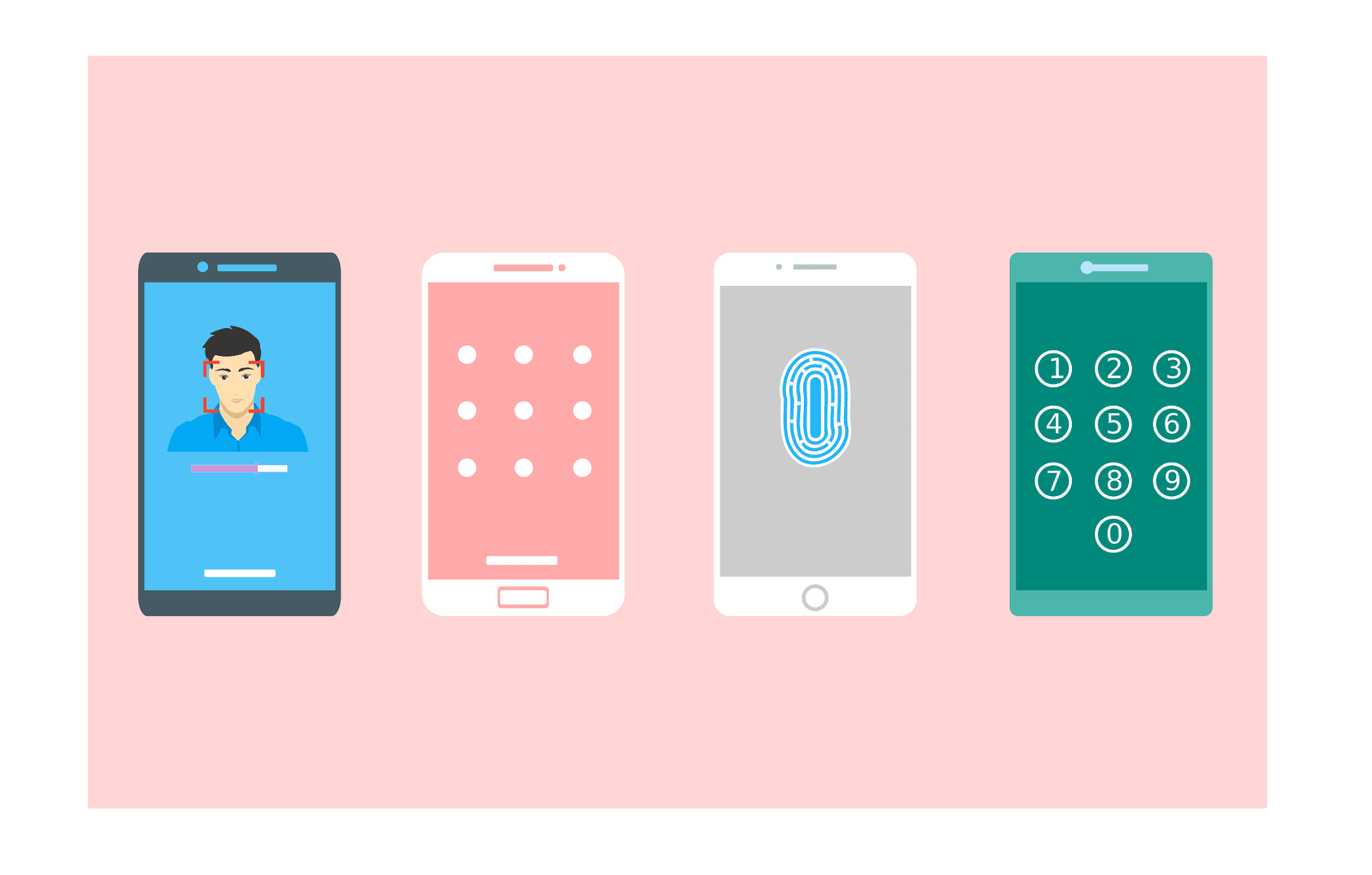
I have a Google account which I managed to set up an iPhone passkey last year. That was probably 15 seconds to set up, as Face ID scanned my face. I can now look at my phone when I am going to log-in. No typing, no codes, no waiting. Its success rate is approximately 98 percent as opposed to the traditional passwords which have 32 percent.
This is not a novel technology. Public-key cryptography is of existence since the 1970s. The thing different was, that of getting Apple, Google, and Microsoft all to have the same standard and make a build into their devices. By 2024, most modern smartphones and computers would already have the hardware required to support passkeys.
Where We Are Now: The Current State
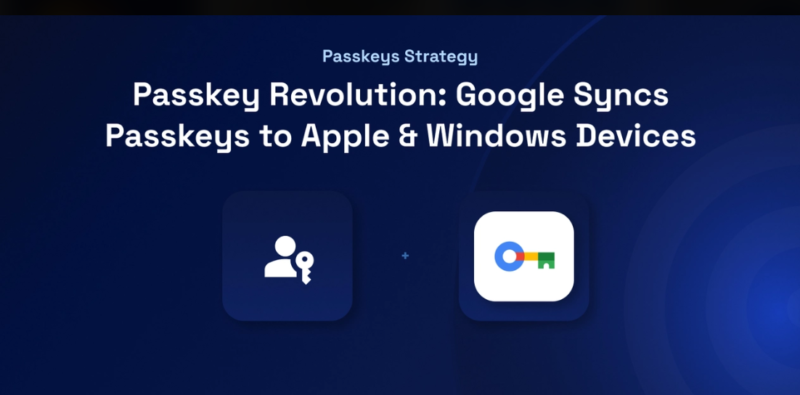
By 2025 the 100 most popular sites will be already using passkeys (48 percent). It was 25 percent only two years prior. In their first year of rollout, Amazon indicated that they had created 175 million passkeys. Google has implemented passkey support to their 800 million accounts. Microsoft introduced passkeys to the Xbox and office 365 and their enterprise applications.
This is changing much quicker than I had thought. Passkeys have overtaken SMS by 62% of all authentication activities, and when I select authentication data of real-life transactions then passkeys accounted 62% of all authentication attempts whereas SMS dropped to 33% of all authentication attempts. Users are not merely attempting passkeys they are liking it. A quarter of users that create passkey apply to all their accounts.
However, it is not only about convenience. The security enhancements can be quantified. Passkeys are also less susceptible to phishing since they are domain specific, you can not just select your bank pass key on the scam site. They prevent any form of credential stuffing attacks since there is no password to take off a database breach. And then they take away human factor that has undermined the passwords in the first place.
What’s Coming Next
The second step is not only to change the passwords but to make authentication invisible. Operation This is constantly being involved in checking your activities during a time period. It monitors your typing speed, computer movements and patterns. When your activity is interrupted by something changing suddenly it reminds you about it.
Another form of direction is the decentralized identity. rather than all the websites keeping a record of your credentials, you would control your identity in a digital wallet. You would provide identification of your actual birthday date when a site requires you to prove that you are over 18. European Union is already experimenting with their Digital Identity Wallet project, and has invested EUR46million in development.
Security is adjusted on the basis of risk by adaptive authentication. You are home using your normal device? One factor. Connection at a foreign land at 3 AM? Further confirmation was necessary. It is dynamic rather than universal.
The Bottom Line
The history of web authentication changing to passwordless is a technical improvement that goes beyond being merely a technological one, as it represents an underlying change to the very notion of online security. The use of passwords was not a thing out of time and as such time has passed. We have been introducing more complexity and more layers to cover their weaknesses but this has not worked in the years.
What I have already discovered with testing such systems is that passwordless authentication is not only safer but it is actually easier. That’s rare in security. Typically, you give up the convenience to protection. Here, you get both.
The infrastructure exists. The devices support it. The websites are adopting it. And in case you have not used passkeys by now, the next time you encounter such an option give it a test run. Maybe, you will be amazed by the simplicity of the logging in process.
Read:
Understanding Authentication vs Authorization: What’s the Real Difference?

I’m a technology writer with a passion for AI and digital marketing. I create engaging and useful content that bridges the gap between complex technology concepts and digital technologies. My writing makes the process easy and curious. and encourage participation I continue to research innovation and technology. Let’s connect and talk technology!