Last updated on September 23rd, 2026 at 04:38 pm
I have more than 20 years of experience logging into websites, and I honestly didn’t think much about how bad passwords were until I started noticing how authentication is actually implemented.
Moving off passwords and toward passwordless isn’t just a technological fad; it’s a solution to issues we’ve swept under the carpet since the internet’s inception.

Table of Contents
The Password Era: Where It All Started
Passwords made sense in the 1990s. You needed something easy to secure your account, so you chose a word, typed it in, and that was it. Early systems stored passwords in plain text, and this may sound wild today, but no one back then imagined the internet would be what it is today.
In the 2000s, things got complicated. Websites began demanding uppercase letters, digits, and special characters. Then came the length requirements: eight, ten, twelve characters. They assumed complexity equals security, and what happened? People started writing passwords on sticky notes or using the same “secure” password everywhere.
I tested this myself. Last year, I had to use my password manager, and I saw that I had entered some form of the same password on 30-plus sites before I realized it was wrong. A single data breach gives attackers the keys to several accounts. That is the very problem with passwords: they are a shared secret. You enter it into a server, and it is stored in a database. When that database is hacked, then you are in the clear.
Recent studies show that password-related breaches continue to account for a large share of security incidents. During checkout in e-commerce stores, users lose passwords 47 percent of the time, which directly affects revenue. However, forgetting isn’t the only problem; passwords can be stolen, guessed, or phished.
Two-Factor Authentication: The Bridge Solution
Around 2010, two-factor authentication became the solution. The idea was simple: even if someone stole a password, they still needed a second factor to log in. Logins became the most common way to achieve it. You entered your password, waited for a text, and then entered a six-digit code.
I had been using 2FA via SMS, and it seemed safe. However, I didn’t realize that SMS isn’t that safe. SIM-swap attacks allow a hacker to steal your phone number and intercept those codes. Attackers literally call mobile carriers, pretend to be you, and get your number. This was a story about a person who lost their cryptocurrency this way: $50,000 lost due to a SIM swap.
Authentication apps like Google Authenticator and Authy made the situation better. These apps create time-based codes using an algorithm known as TOTP, unlike SMS. They’re better than SMS and less annoying. You have to launch the app, find the right account, and enter a pass code that expires in 30 seconds. Miss the window? Start over.
Push notifications followed thereafter. Services such as Duo began to send approval requests to your phone- tap on approve, and you are in. Not as easy as typing in codes, though it does require an additional step. The trick is this: even these methods still relied on passwords as the base. You were putting coats of paint on a damaged system.
The Passwordless Revolution: How We Got Here
The real breakthrough came with the FIDO2 and WebAuthn standards, finalized in 2019. These were not just enhancements; they were a fundamental rethinking of authentication. They rely on public-key cryptography rather than shared secrets.
Here’s how it works in practice. When you create a passkey, your device creates two keys: a private key, which it keeps locked on your device, and a public key it transmits to the website. When you register the site, it issues a challenge that your device signs with the private key, and the site verifies it with the public key. The password is never sent or saved on a server.
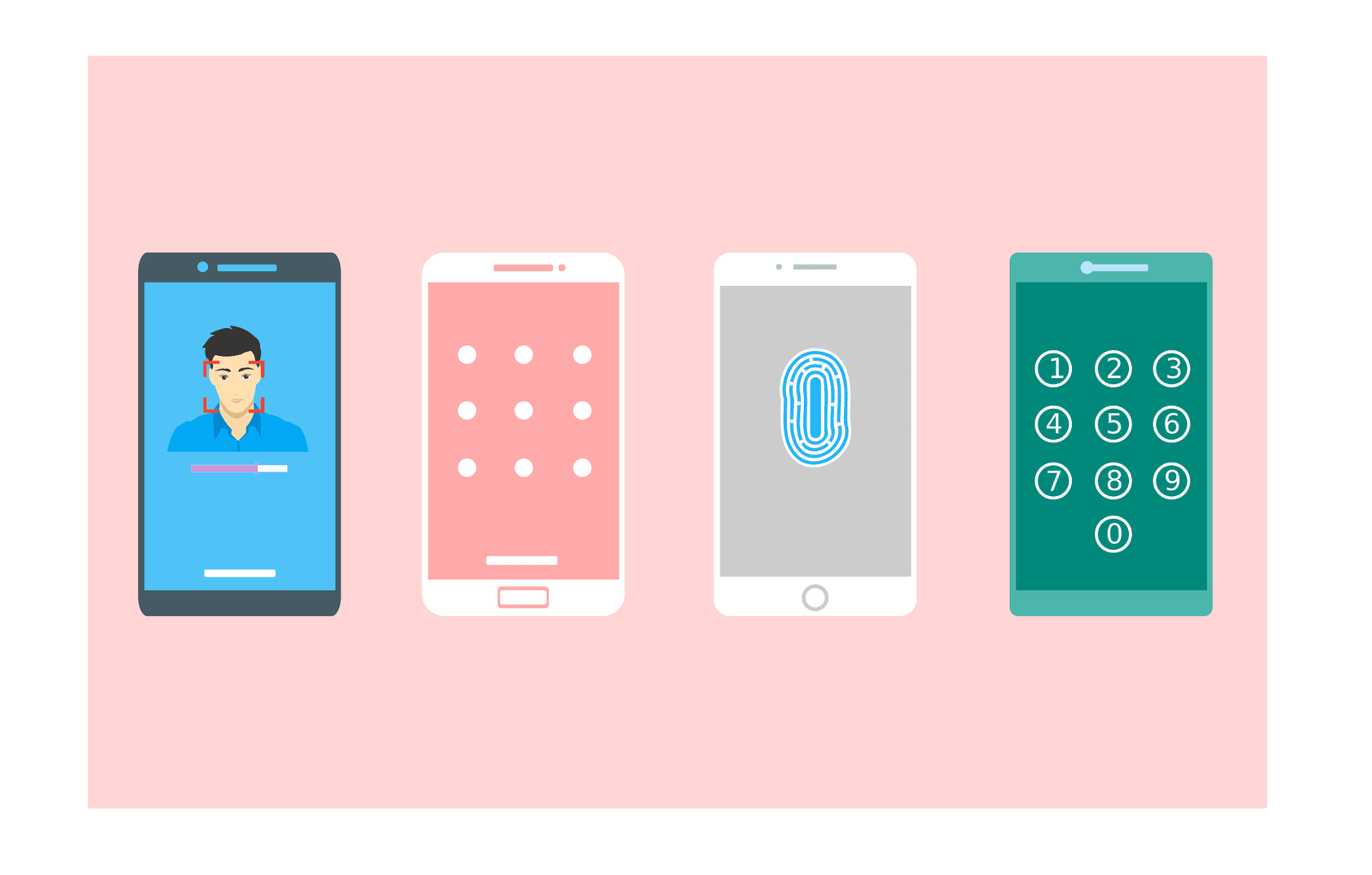
I have a Google account, and I managed to set up an iPhone passkey last year. That probably took about 15 seconds, since Face ID scanned my face. Now I can look at my phone when I log in. No typing, no codes, no waiting. Its success rate is about 98 percent, compared with traditional passwords, which are less secure.
This is not a novel technology. Public-key cryptography has existed since the 1970s. The difference was getting Apple, Google, and Microsoft to agree on the same standard and build it into their devices. By 2024, most modern smartphones and computers would already have the hardware required to support passkeys.
Where We Are Now: The Current State
By 2025, the 100 most popular sites will already be using passkeys (48 percent). It was 25 percent only two years prior. In its first year of rollout, Amazon indicated it had created 175 million passkeys. Google has implemented passkey support for its 800 million accounts. Microsoft introduced passkeys to Xbox, Office 365, and its enterprise applications.
This is changing much quicker than I had thought. Passkeys have overtaken SMS in 62% of all authentication activities; in real-life transactions, passkeys accounted for 62% of all authentication attempts, while SMS dropped to 33%. Users aren’t just trying passkeys; they’re adopting them. A quarter of users who create a passkey apply it to all their accounts.
However, it is not only about convenience. The security enhancements can be quantified. Passkeys are also less susceptible to phishing since they are domain-specific; you can not just select your bank passkey on the scam site. They also prevent credential-stuffing attacks because there is no password to steal from a database breach. They also remove the human factor that undermined passwords in the first place.
What’s Coming Next
The second step is not only to change the passwords but to make authentication invisible. Operation This constantly monitors your activity over time. It monitors your typing speed, computer movements, and patterns. When your activity is interrupted by a sudden change, it reminds you.
Another approach is decentralized identity. Rather than websites keeping a record of your credentials, you would control your identity in a digital wallet. You would provide your actual birth date when a site requires you to prove you are over 18. The European Union is already experimenting with its digital Identity Wallet project nd has invested EUR 46 million in development.
Adaptive authentication adjusts security based on risk. Are you at home using your normal device? One factor. Connection in a foreign land at 3 AM? Further confirmation is necessary. It is dynamic rather than universal.
The Bottom Line
The shift from password-based to passwordless authentication is a technical improvement that goes beyond technology, reflecting a bigger change in the very notion of online security. Passwords are not a thing of the past, and they are not obsolete. We’ve added more complexity and more layers to cover their weaknesses, but it hasn’t worked over the years.
What I’ve discovered when testing these systems is that passwordless authentication is not only safer, but also easier. That’s rare in security. Typically, you give up convenience for protection. Here, you get both.
The infrastructure exists. The devices support it. The websites are adopting it. And if you haven’t used passkeys yet, next time you see that option, give it a try; you will be amazed by how simple the login process is.
Read:
Understanding Authentication vs Authorization: What’s the Real Difference?

I’m a technology writer passionate about AI and digital marketing. I create engaging and useful content that bridges the gap between complex technology concepts and digital technologies. My writing makes the process easy and engaging. I encourage participation I continue to research innovation and technology. Let’s connect and talk technology!


