Last updated on September 23rd, 2026 at 04:40 pm
Here’s the thing: one day you’ll create a relatively simple login page, and the next day people will start asking about SAML integration, OAuth processes, and FA that is resisting. It’s a lot.
That moment of confusion? That’s where this started. Several weeks of assembling the puzzle of what is actually implemented in authentication modes and protocols (and why there are so many) finally led to the breakdown that would have saved hours of head-scratching.
This isn’t just memorizing acronyms. It is about knowing the landscape well enough that when the next person is discussing WebAuthn or why you can never use passwords, you actually have a clue.
Table of Contents
What even is authentication (and why is it so important)?
First, we need to clarify this: protocols answer, “Who are you?” Authorization answers, “What can you do?”
Imagine the following: your driver’s license identifies who you are (authentication). The bouncer checks whether you are 21 years old to enter the bar. That’s authorization.
The distinction between authentication and authorization matters because confusion between them can create security vulnerabilities. One such service is OAuth, which doesn’t handle authentication as a non-OpenID Connect login method. This is a common mistake and can cause real issues.
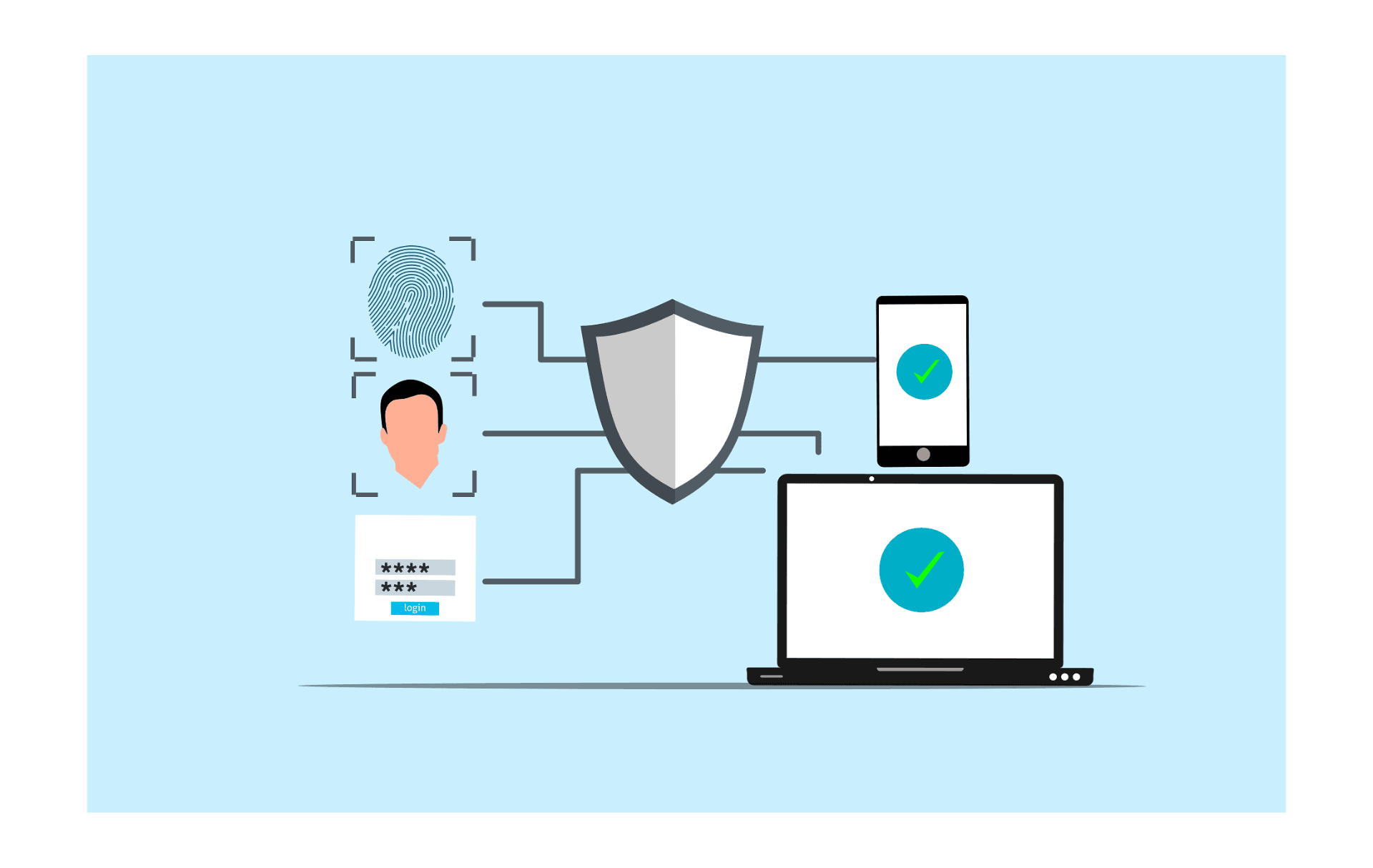
That is the whole point of authentication procedures and techniques: to verify identity. But here’s where things get ugly: dozens of techniques exist, and each addresses different problems.
The Authentication Landscape: Why So Many Options?
The confusion in authentication is this: different contexts require different solutions.
Logging into a website? This differs from connecting to corporate Wi-Fi and accessing an API? Different again. Every scenario has developed its own authentication mechanisms and procedures over time.
Some key categories:
Certain network access protocols such as PAP, CHAP, and EAP support Wi-Fi and VPN connections. They’re older, more stable, and, quite frankly, not very exciting, but they run enterprise networks everywhere.
Passwords have evolved from costly passwords to cookies and sessions, and later to advanced protocols such as SAML and OAuth. This is where most of the contemporary misunderstandings happen.
The future of passwords is passwordless authentication platforms such as WebAuthn and passkeys. They help prevent phishing attacks that continue to defeat passwords and even SMS codes.
The catch? Most organizations run all of these at the same time. Your business may log in with Kerberos to Windows, SAML to enterprise apps, OAuth to APIs, and still use plain password forms.
That’s not bad architecture. It’s just reality.
Classic Techniques: Passwords, Sessions, and Reasons Why They Persisted.
Passwords are pervasive, even though they’re a very weak form of security. They are phished, reused, breached in attacks, and brute-forced.
But that’s why they haven’t disappeared: they are simple. Users understand them. All platforms support them. No more passwords, however, creates challenges with account recovery, device switching, and user churn.
Sessions and cookies were a little better. When you log in, your browser caches an encrypted session ID in a cookie. The server validates that ID with each request, rather than requesting credentials on every request.
Recent session settings use HttpOnly, Secure, and SameSite to block JavaScript access and cross-site attacks. Nothing big, but it is important for security.
OTPs also incorporate a second option: authenticator application, SMS, or email codes. Stronger than passwords, but still phishable. SMS can be intercepted; an attacker can steal codes or trick the user into entering them on counterfeit websites.
The pattern here? Each method addressed certain issues and introduced new ones.
Enterprise SSO: Organizations require unified login.
Optimized federated authentication was added to an enterprise environment: a single login to dozens of applications.
This is done with Kerberos, Windows domains, and corporate networks. It uses tickets and symmetric cryptography to verify identity without transferring passwords over the network. It is effective, but complicated and mostly limited to intra-networks.
SAML 2.0 introduced web-based single sign-on. In most cases, when you click the ” Log in with Okta button or Sign in with Azure AD, that is actually SAML underneath the carpet.
SAML uses XML to exchange identity assertions between an identity provider (IdP) and a service provider (SP). It is mature, and it is used in B2B, and it is not quite leaving any time soon- but it is also difficult to implement and debug.
The trick is that newer applications largely overlook SAML in favor of simpler solutions, but older enterprise software runs on SAML. When comparing SAML vs. OAuth vs. OpenID Connect, you can refer to the circumstances under which each is used, but the gist is this: SAML still underpins much of enterprise SSO.
OAuth and OpenID Connect: The Modern Web Stack.
This is where most of the current misunderstanding happens.
OAuth 2.0 is an authorization framework – not authentication. It lets applications access APIs on your behalf, without sharing passwords. When a mobile application requests to post to Twitter, it uses OAuth with restricted access.
The trick: OAuth issues API access keys. It doesn’t include the user’s identity.
Identity: OpenID Connect (OIDC) is identity on top of OAuth. It adds ID tokens, which include user details: email, name, roles. That is what makes OAuth an appropriate authentication protocol.
New-fangled web apps often use the PKCE Authorization Code flow (a security extension that prevents token theft). The flow looks like:
- User clicks “Login”
- The app redirects the user to the identity provider.
- User authenticates there
- IdP redirects a code back to the app.
- The app exchanges the code for tokens.
- The application uses tokens to access user details and APIs.
Sounds simple. In practice, pitfalls include redirect URI manipulation, token leakage, CSRF attacks, and mix-up vulnerabilities that attackers can exploit to disrupt the flow. In these cases, JWTs and refresh tokens often support token-based authentication.
Why does this matter? With OAuth and OIDC, this supports typical modern authentication: social logins, API access, mobile apps, microservices, etc. A wrong choice can create security holes.
WebAuthn and Passkeys: The Anti-Phishing Future.
This move is the biggest change right now: shifting from knowing (passwords) to having (cryptographic keys).
WebAuthn is a browser standard that lets sites use public-key cryptography for login. Instead of entering a password, you can unlock a private key with your fingerprint, face, or device PIN. The public key is the only one that is displayed on the site.
The protocol that links physical security keys such as YubiKey is WebAuthn, but it’s commonly called FIDO2.
Passkeys are user-friendly: synced WebAuthn credentials that are compatible across your devices. Apple, Google, and Microsoft now support them.
Their importance: passkeys are committed to particular websites. Although someone dupes you into going to fake-amazon.com, your passkey won’t work there; it will work only on actual amazon.com. They aren’t trying to phish or steal anything.
The challenge? Users also require backup methods to lose and recover devices. Passkeys aren’t required in most apps yet as a backup to passwords. Nevertheless, the trend is clear: passwordless authentication will become standard in the future.
Knowledge Base: When to use which protocol: Practical map.
This is the mental model that is of use:
| User login to web/mobile app | OpenID Connect | Modern, JSON-based, well-supported |
| Enterprise B2B SSO | SAML or OIDC | SAML for legacy, OIDC for new |
| API access delegation | OAuth 2.0 | Designed for this exact use case |
| Service-to-service auth | OAuth Client Credentials or mTLS | Machine identity, no user involved |
| Phishing-resistant login | WebAuthn/Passkeys | Cryptographic binding to origin |
| Network/Wi-Fi access | EAP variants | Enterprise wireless standards |
It is not the trick to memorize this table. It’s realizing that authentication methods and protocols solve different issues in different environments.
Try using SAML with mobile applications? Pain. Otherwise, logging in a user with OAuth and without OIDC? Missing identity data. Just using SMS codes to submit high-value accounts? Phishable.
Security Pitfalls (and How Modern Protocols Break Them).
All authentication schemes are prone to attack:
Phishing targets passwords because users are deceived or tricked into entering credentials on fake websites. Origin binding prevents this by accepting credentials only from the legitimate domain.
In token theft, access tokens are either stored in browser local storage or leaked in logs. Resolution: Use short lifespans and store tokens securely; add PKCE to OAuth 2.0, and implement bindings to protect specific TLS connections.
Cookie-based session attacks include fixation or hijacking. Modern cookies can use SameSite attributes, but sites must apply them properly.
Real breaches often stem from protocol misconfiguration: SAML signature validation is missing, and in both OAuth and SAML the redirect URI isn’t properly checked. These details are captured in API authentication best practices, and the trend is evident: frameworks and libraries can help avoid footguns.
The takeaway? Security isn’t just about the right protocol. It is about doing it right, which means staying aware of common attacks and mitigating them. The Hybrid Reality: Living Between the Legacy and Modern.
What no one tells you is that most organizations lack a truly clean authentication strategy. They have:
- Windows domain Kerberos logins.
- SaaS apps that use SAML must have S/aaS apps.
- OAuth/OIDC for newer web apps
- VPN using EAP-TLS
- Unauthenticated internal applications that are barely used.
- A pilot test involving passkeys.
That’s normal. Migration takes years.
The practical approach? Migrate new development to standard OIDC with PKCE, start integrating WebAuthn with high-value accounts, and keep relying on existing SAML/Kerberos integrations until you can replace them.
The value of architectural perfection is insignificant compared to what each piece is and why it was created.
Next in Line: Continuous and Risk-Based Authentication.
Identification procedures and schemes are not fixed. Current trends:
Risk-adaptive authentication adapts to the context. Accessing your regularly used device and location? Quick verification. Accessing suddenly, but in a new country? Other qualities are necessary.
Continuous authentication verifies identity beyond login. It also detects accounts after successful authentication using device signals, behavior patterns, and history (2006).
Decentralized identity proposes experiments where users manage their credentials with verifiable credentials and DIDs; this is still young and unproven.
Security: Hardware-based security strengthens authentication with device TPMs, Secure Enclaves, and platform authenticators, making keys harder to read or duplicate.
These do not replace existing protocols. They’re adding layers on top.
Where to Start: Practical Next Steps
The authentication landscape isn’t very clean, as it has developed over decades to address various issues. No single protocol includes all of them.
For learning:
Start with the mental model: authentication (who you are) vs. authorization (what you can access) vs. federation (proving identity across systems).
Then build: create a hands-on OAuth/OIDC authentication flow using a cloud provider such as Auth0 or Okta. Understand how tokens work, what’s in each, and where things can break.
Install WebAuthn in an MIS test app. Create a passkey, test it on different devices, and understand why it’s hard to phish.
For implementation:
Use already developed libraries and structures. Never code your own OAuth or JWT validation- utilize wrestle-proposed scripts.
Migrate newly created web applications to OIDC. Only consider SAML when it is necessary for the enterprise customer.
Start treating multi-factor authentication as standard, and WebAuthn as a high-security option.
Keep your tokens safe: server-generated HTTP-only cookies are better than client-stored cookies.
It is not really about learning all the protocols at once. It’s about building a mental model so that when someone mentions DPoP, mTLS, or FIDO2, you can understand its place and significance.
The Eventual Lesson: Content Makes the Difference.
Authentication methods and protocols exist because different contexts require different solutions. Wi-Fi networks need EAP. Enterprise apps need SAML. Mobile apps need OAuth. WebAuthn is required in high-security situations.
This confusion comes from trying to use one solution for every situation or from not understanding what problem each protocol should solve.
Passwords aren’t disappearing tomorrow, but it’s clear passwordless is the new way to go. SAML is not dead; however, OIDC is simpler to stack today. OAuth is beautiful for authorization, though it requires OIDC for authentication.
This landscape requires one to know what is needed- and why organizations do find themselves operating multiple protocols at the same time. That’s not dysfunction. And this is how the real world functions.
Read:
How Apple Actually Forces iPhone Upgrades (And How to Push Back)

I’m a technology writer passionate about AI and digital marketing. I create engaging and useful content that bridges the gap between complex technology concepts and digital technologies. My writing makes the process easy and engaging. I encourage participation I continue to research innovation and technology. Let’s connect and talk technology!


