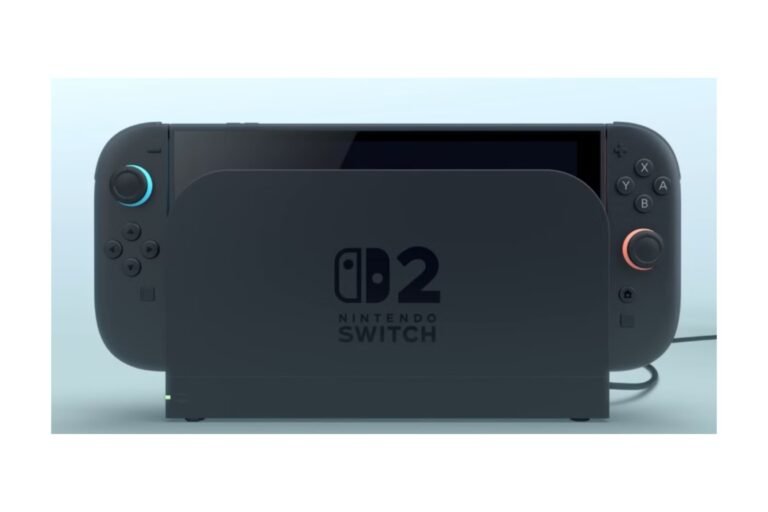
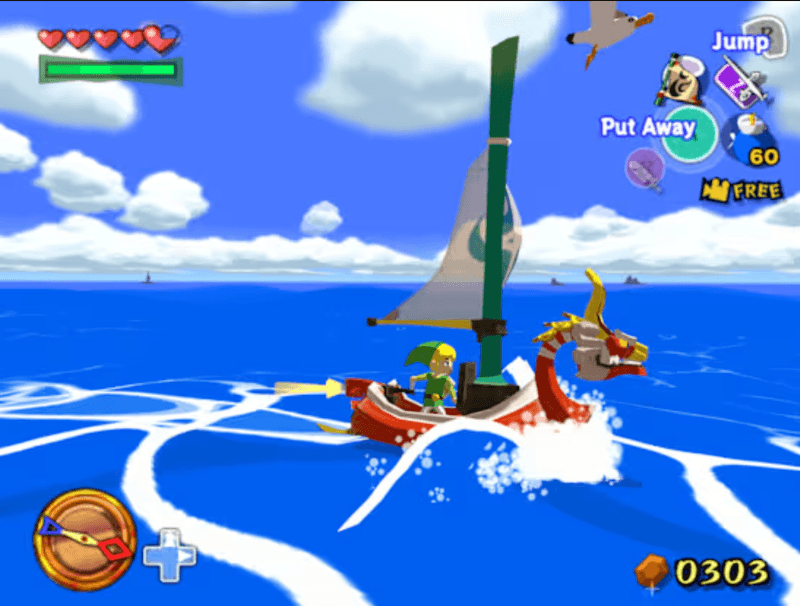
Yes. You can play GameCube games on Nintendo Switch 2 with the Nintendo GameCube – Nintendo Classics app. Only available on Switch 2, you need a Nintendo Switch Online + Expansion Pack subscription. As of September 2026, we know eleven titles are included from Nintendo’s own product listing pages, including The Legend of Zelda: The Wind Waker, Super Mario Sunshine, and Star Fox Adventures, which was only recently added to the selection. This isn’t a typical GameCube re-release, and we wouldn’t call it backward compatibility either. Instead, it acts more like a curated library that fluctuates in size, similar to Nintendo’s NES and SNES Classics apps. Continue reading this report to learn more about the Switch 2’s greater ecosystem in our Nintendo Switch 2: Complete Guide.
Here is a comprehensive list of the current and available content, with how to get hold of it, how it works in practice from day-to-day, and what the true limitations of the service are – relevant whether you already own a Switch 2 or are considering whether to take up GameCube support as part of a potential upgrade.
Table of Contents
Nintendo Switch 2 GameCube Games List
| The Legend of Zelda: The Wind Waker | June 5, 2025 (launch) |
| F-Zero GX | June 5, 2025 (launch) |
| SoulCalibur II | June 5, 2025 (launch) |
| Super Mario Strikers | July 3, 2025 |
| Chibi-Robo! | August 21, 2025 |
| Luigi’s Mansion | October 30, 2025 |
| Wario World | December 10, 2025 |
| Fire Emblem: Path of Radiance | January 9, 2026 |
| Pokémon XD: Gale of Darkness | March 2, 2026 |
| Super Mario Sunshine | August 13, 2026 |
| Star Fox Adventures | September 9, 2026 |
Confirmed but not yet released: Nintendo GameCube- Nintendo Classics confirmed for Nintendo GameCube, but Nintendo has not announced a release date.
Source: Nintendo GameCube – Nintendo Classics official library. The number of titles per platform will be revised as more titles are produced.
Nintendo has been releasing new titles about once every two months since launch, so this list is definitely one to save for reference rather than as a definitive list – this is the one part of the page that is most useful to most visitors.
Can You Play GameCube Games on Nintendo Switch 2?
Yes, but not with an authentic disc – the new Switch 2 is not equipped with the GameCube disc port, nor does it have any cartridge/provision which allows you to add your own physicals into it. Instead:
- You will need a paid Nintendo Switch Online + Expansion Pack membership.
- It can only run on Switch 2, not the first one. So even if the user has the Expansion Pack, it can’t run.
- Games are obtained through the app, rather than bought separately.
- These are emulated versions of the original games, not new remasters or remakes.
In practice, this isn’t even helpful when you have a physical GameCube disc sitting around, because it makes no difference. You’ll still need to subscribe through the app.
How to Play GameCube Games on Nintendo Switch 2
- Check that you have a Switch 2 console. Any GameCube games will not work on an old Switch, even if you are a member of this service.
- How to subscribe: You can subscribe to Nintendo Switch Online + Expansion Pack in the eShop or your Nintendo Account Settings.
- Access the Nintendo Switch Online application from the Switch 2 home screen.
- First, pick Nintendo Classics, then select Nintendo GameCube from the popular system list.
- Download the Nintendo GameCube – Nintendo Classics app if you haven’t already. Instead of downloading each game separately, the app includes the entire library (about 10–11 GB).
- Select a game from the library and run it right away — each title you’re eligible for has its own window within the same application.
- Adjust your Display and Control preferences in the in-game menu (such as mouse and screen filters, remap buttons, etc.).
Do You Need Nintendo Switch Online + Expansion Pack for GameCube Games?
Yes, for sure, the Expansion Pack tier. The regular membership includes NES, SNES, and Game Boy games. To access GameCube (or even N64, GBA, and Sega Genesis), you need the higher tier, which costs $49.99/year per individual membership in the US.
The GameCube games aren’t given out on an individual basis – they are part of the subscription, and unlocked as and when Nintendo decides to add them. Neither is the access exclusive in the way you would expect with owning a physical copy of a game – if your subscription lapses, the games are no longer accessible. Cloud save backup is also only available while you have a Nintendo Switch Online subscription. This is a rental-style access rather than traditional ownership, so consider this if you only want a handful of the games on offer.
How GameCube Games Work on Switch 2
The GameCube library operates through its own special app apart from the main Switch 2 game library (several features are built into the library):
- Screen choices (such as a CRT style filter that looked like a television from a bygone era)
- Cahoot suspend points. These let you pause exactly where you are and then write. Save writes out your current progress, but doesn’t save you exit what would normally save, and it also wastes it.
- Mapping the buttons differently if you’re using a regular modern controller instead of a GameCube-style one
- Support for online and local wireless play, in supported titles, up to four players.
- Three play modes {handheld, tabletop, and TV, the same as we see on any other Switch 2 title: }
- Cloud save support, which is only available to paid Nintendo Switch Online members and not free with the Expansion Pack.
GameCube Classics offers display options intended to improve the look of legacy titles on modern screens, while maintaining their overall presentation structure where possible. The app supports different regional versions of certain titles and, when used with an authentic GameCube controller rather than a Joy-Con or Pro Controller, offers small surprises like menu sound effects taken from Super Mario Sunshine.
GameCube Controllers on Nintendo Switch 2
You don’t require a GameCube-style controller. Joy-Con 2 and the Pro Controller both work, and you can change the button configuration in-game. However, some players prefer the classic controller for games designed for it (especially if it has analog triggers or button placement that doesn’t translate well to newer controllers).
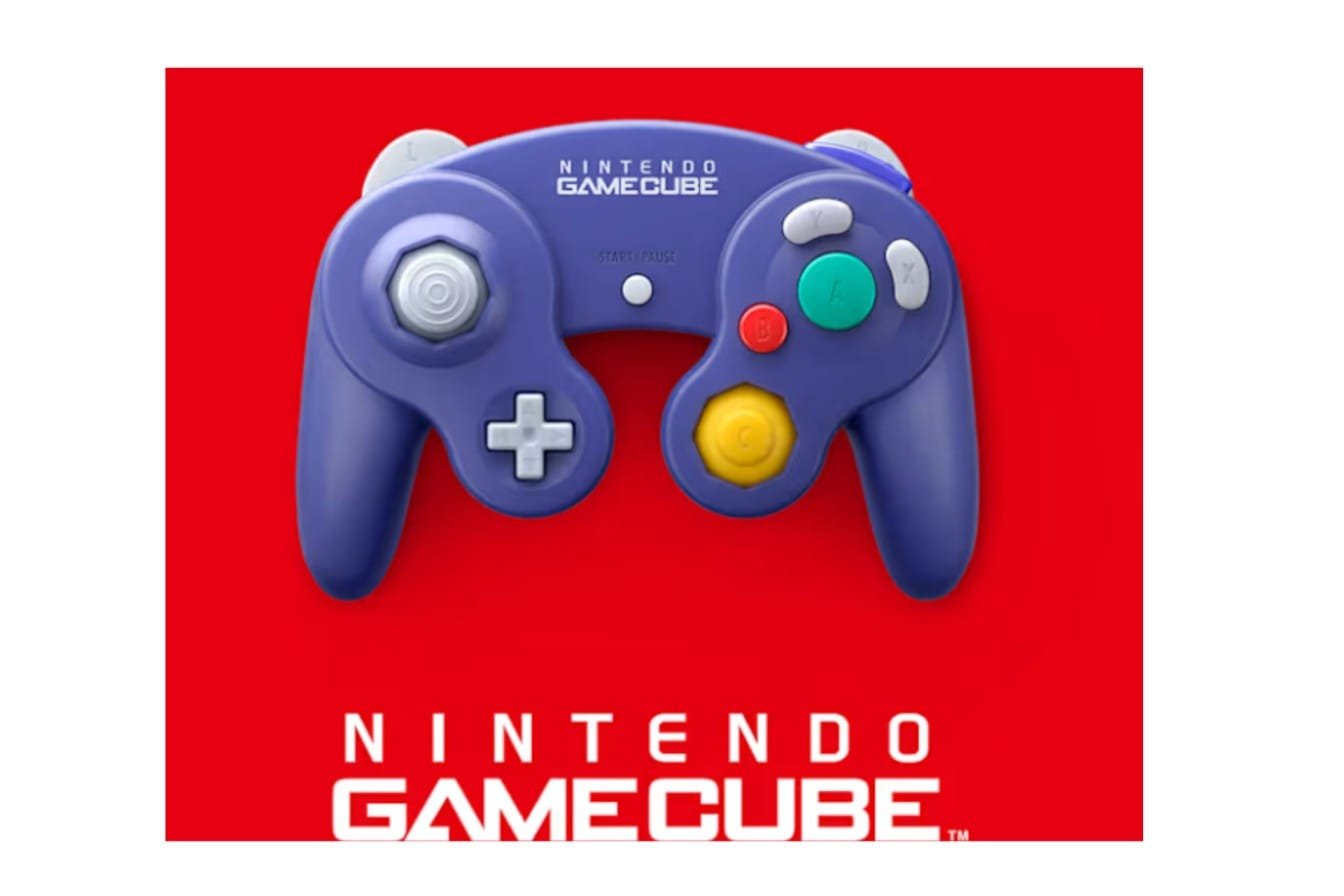
- The official Nintendo GameCube Controller for Switch 2 is the console’s official controller, priced at $64.99 and available only through the My Nintendo Store to Nintendo Switch Online subscribers. It is wireless, has USB-C charging, adds a C-button for GameChat, and adds a separate capture button that the original controller lacked. It is explicitly secondary; Nintendo’s own product page tells us it “is not necessary to play any of the titles that are currently available for Nintendo Switch.” If you want an authentic GameCube layout, this is the way to go.
- GameCube controller + GameCube Controller Adapter: The same USB adapter that worked on Wii U and the original Switch will work on Switch 2 in TV mode through the dock’s USB port, so you can reuse controllers you already own instead of buying new hardware.
- Heck, there are third-party docks like the Retro Fighters Battle Dock, which add a couple of GameCube-style controller ports, which would be great if you’re playing local multiplayer games and want to have all players using an original-style controller.
Which way makes sense really depends on whether you already have GameCube controllers. If you do, the adapter is the more affordable route. If you don’t, and want the newer features (wireless, USB-C, GameChat button), grabbing the official controller is the more complete route at a slight premium.
Best GameCube Games on Nintendo Switch 2
| The Legend of Zelda: The Wind Waker | Zelda fans | A complete, story-driven adventure with a distinct art style that’s aged well |
| Super Mario Sunshine | Platforming fans | A long-requested addition and a solid 3D Mario entry, camera quirks aside |
| F-Zero GX | Racing fans | Fast, punishing, and one of the series’ best-regarded entries |
| Pokémon XD: Gale of Darkness | Pokémon fans specifically | A double-battle-focused RPG that plays differently from mainline games |
| Fire Emblem: Path of Radiance | Strategy/tactics fans | Previously one of the hardest GameCube games to find physically; now easy to access |
| Luigi’s Mansion | Casual or shorter sessions | Compact and atmospheric, easy to finish in a few sittings |
The rest of the current library includes SoulCalibur II, Super Mario Strikers, Chibi-Robo!, Wario World, and Star Fox Adventures. SoulCalibur II is fighting game lovers’ curiosity, as it features the Link guest-star character version exclusive to the GameCube iteration. Super Mario Strikers and Wario World are more casual and light. In contrast, Star Fox Adventures, the fresh addition at the end of this list, combines on-rails shooting with an on-foot-progress-adventure setup not quite familiar to the series.
Multiplayer on GameCube Classics
The official Nintendo listing confirms that the application will support online and local wireless play with up to four players for titles that support it. Not all titles will be multiplayer, though; later additions to the library, such as Chibi-Robo! and Fire Emblem, offer only single-player, since that’s how they were intended on the GameCube.
For multiplayer, the following games are the main titles to examine, since SoulCalibur II, F-Zero GX, and Super Mario Strikers were all originally designed around competitive or cooperative multiplayer. Nintendo has included F-Zero GX as a game that supports four players locally and online. Luigi’s Mansion, Chibi-Robo!, Wario World, Fire Emblem: Path of Radiance, and Pokémon XD: Gale of Darkness can be played by a single player. All titles require an extra Nintendo Switch Online membership pack and a Nintendo Account (beyond the Expansion Pack tier itself).
Are All GameCube Games Available on Nintendo Switch 2?
No. It is not. Nintendo GameCube – Nintendo Classics is an expanding selection, not a re-release of the GameCube back catalog; it includes 11 titles out of many more, and many big names (as of September 2026) still haven’t appeared.
It’s also worth separating two different things that readers sometimes conflate:
- Latest GameCube games through Nintendo Classics (see above for a full list of emulated titles with the subscription to the Expansion Pack, all available to access via the single app)
- Standalone GameCube-era releases; some GameCube-era titles have their own standalone release for the Switch or the Switch 2 and don’t feature in the classics app. Metroid Prime Remastered and Paper Mario: The Thousand-Year Door are 2 examples. Owned separately, and at their own price; these don’t even feature on the GameCube Classics bundle or the Expansion Pack.
If the game you seek doesn’t appear in the app, it’s reasonable to check whether it previously had a standalone release, rather than assuming it doesn’t appear on the Switch 2 in any form.
New GameCube Games Added to Nintendo Switch 2
Quick update history, newest first:
- Star Fox Adventures September 9, 2026
- Super Mario Sunshine – August 13, 2026
- Pokémon XD: Gale of Darkness March 2, 2006
- Fire Emblem: Path of Radiance – January 9th, 2026
- Wario World [December 10, 2025]
- Luigi’s Mansion 30 th October 2025
- Chibi-Robo! August 21st, 2025
- Super Mario Strikers July 3, 2025
- The Legend of Zelda – Wind Waker, F-Zero in the 1st of June. The Wind Waker, F-Zero ZX, and SoulCalibur in the 2nd of June.
It has also been confirmed that Pokémon Colosseum will be the next release; no release date has been announced at present.
FAQs
Can GameCube games be played on the Switch 2?
Yes – on the Nintendo GameCube – Nintendo Classics app with a subscription to Nintendo Switch Online + Expansion Pack. Original discs can not be played.
Which GameCube Titles Will Be Available on Switch 2?
By September 2026: The Legend of Zelda: The Wind Waker, F-Zero GX, SoulCalibur II, Super Mario Strikers, Chibi-Robo!, Luigi’s Mansion, Wario World, Fire Emblem: Path of Radiance, Pokémon XD: Gale of Darkness, Super Mario Sunshine, and Star Fox Adventures.
Is Nintendo Switch Online necessary for GameCube games?
Only the Expansion Pack tier gives you this; your standard membership doesn’t include GameCube games.
Is it possible to play GameCube games on the first generation of Nintendo Switch consoles?
No. The app is Switch 2 only – even if you subscribe to the Expansion Pack, you will only get it on the original Switch.
Will I be able to play with a GameCube controller on Switch 2?
Yes – either an official wireless GameCube Controller for Switch 2 ( $64.99, My Nintendo Store) or an original controller with the GameCube Controller Adapter plugging into a USB port on the dock. Not needed, as the Joy-Con 2 and Pro Controller both work for all games.
Is there a plan to make more GameCube games available on Switch 2?
Nintendo has included new releases intermittently, and there are confirmed, however not yet released titles like Pokémon Colosseum.
Can you play GameCube games online on Switch 2?
It supports 4 players wirelessly over LAN and online in appropriate titles. Only SoulCalibur II, F-Zero GX, and Super Mario Strikers emphasize multiplayer. Online also requires a Nintendo Switch Online membership and a Nintendo Account beyond the Expansion Pack tier.

I’m a content writer passionate about games and strategy. I’m dedicated to creating engaging, informative content for today’s audience. I keep a close eye on the latest gaming and industry trends to deliver entertaining, informative articles. Whether it’s exploring new tools or analyzing the sport, I bring a new, accessible voice to each episode. Let us connect and enhance your content with knowledge and insight!