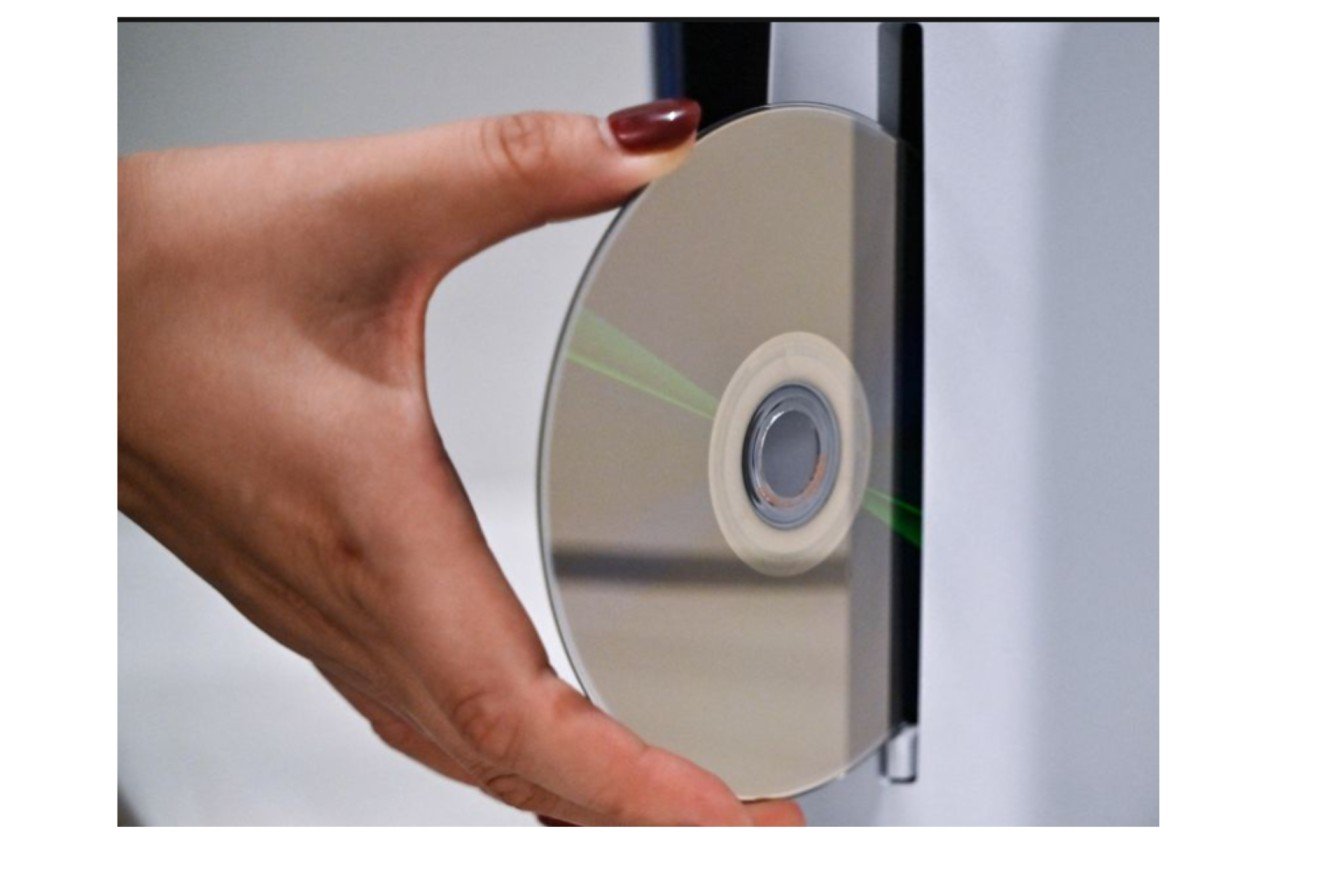
Modder Sword PS5 PS2 disc support is legit – and not exactly. Sword is the developer behind PS5SX2, a port of the PCSX2 PC emulator that boots directly on a jailbroken PS5. As of October 2026, it can read original PS2 DVDs and boot them from the PS5 home screen; it can’t do that on a regular retail console, and it can’t read PS2 CD releases.
In this guide, we cover what the PS5SX2 does, what it requires, and where it still needs work.
Table of Contents
The short answer: who can use this?
Not everyone can access PS5SX2, as only a PS5 with a jailbroken console and the right firmware can. This is unlicensed homebrew, not an official feature. Since the console’s release, Sony has enabled backward compatibility for PS4 games only, not PS2 discs.
You’ll also reach hardware limits, even with a jailbreak. The PS5’s disc drive won’t be able to run PS2 CD-based titles, meaning you can’t access many PS2 games regardless of what software you use.
What PS5SX2 actually is
PS5SX2 is a native PS5 port of PCSX2, the other PlayStation 2 emulator we’ve been using for years on PC. “Native” is important here. The PS5 recompiles the CPU and renders via Vulkan entirely on the machine.
As per the project’s release notes, it has support for:
- The PS5’s USB optical drive and internal disc drive
- PS2 media from all regions
- Disc image formats such as ISO, CHD, CSO, and ZSO
- Multi-disc games – swapping discs – .m3u playlists
- DualSense controllers (and other USB guitars, pads, PS3 controllers, generic HID gamepads)
All of the above is available on the project’s GitHub page. It is constantly evolving, so double-check everything.
How disc playback works in version 2.10
Previous reporting on this project indicated the process involved one static disc dump before a game would play. That’s just the beginning. Here’s what the latest release notes (v2.10) now show:
Step 1: Confirm you are on the PS5 home screen, with PS5SX2 and its helper components installed according to the documentation.
Step 2: Pop your PS2 DVD into the system. Within six seconds, you should see a game tile with the title and cover art.
Step 3: Tap the tile to start playing.
Step 4: Choose Play from disc or Copy to storage.
In step 4, the most pragmatic option is the one that makes the most sense. The disc loads the fastest. Copying takes time, but it loads the game faster afterward, and you can eject the disc. The second point matters for the reasons that follow.
Version 2.10 added the “Reload PS2 Disc” recovery tile for cases where a tile is missing or won’t launch. The developer requests that whenever users report issues, they include their boot.log along with the disc-tile logs.
That’s where beta disc auto-play first arrived, in version 2.01. It later became the home-screen tile experience in version 2.10.
What works and what doesn’t
| Original PS2 DVDs | Supported via internal or USB optical drive |
| Original PS2 CD games | Not supported through the PS5’s drive |
| Resolution scaling | Up to 6x internal, potentially 4K output |
| Widescreen and 60 FPS patches | Supported via PCSX2-compatible .pnach files, for compatible games |
| Display filters | FSR, CRT, scanline and VHS options |
| Online play | PS2 network adapter emulation with community-server routing |
| Official Sony support | None, as this is community homebrew |
One practical point on the optical drive. PS2 games shipped on both CD and DVD, and the PS5’s drive reads DVDs but not CDs. A game’s disc format isn’t always obvious from the case, so check before you assume a favorite will work.
For Digital Edition owners, external USB optical drives are listed as supported, and that’s probably the way to go. The key factor there is the build, so check the latest release notes for support before buying a drive.
Better graphics aren’t the same as better compatibility.
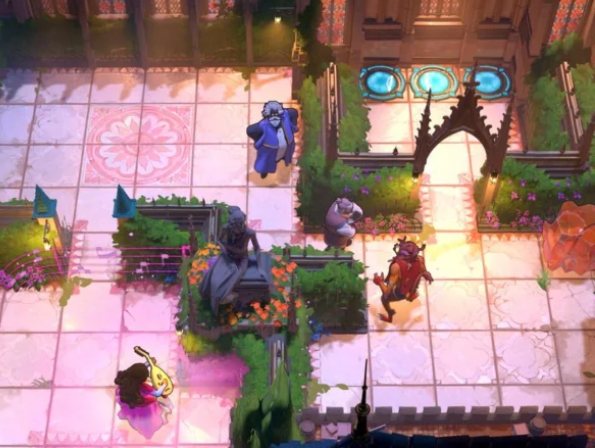
Upscaling is what most people will talk about. PS5SX2 supports up to 6x internal resolution, meaning it can output at 4K, and PS2SX2’s conventional improvements are enabled. Widescreen and 60 FPS patches are separate, game-specific features.
They also identify performance limitations. Many games can’t maintain higher framerates at these resolutions yet, and the notes explicitly mention GPU-intensive titles, like God of War II and The Simpsons: Hit & Run. If a game stutters at 6x, resolution reduction is the natural solution.
That is why you should at least read through PCSX2 documentation. Almost all of the Settings and Patch ideas are usable and applicable. Instead of changing global Settings, tailor your game settings one by one. PS5SX2 has a God of War II preset with 6x resolution, widescreen, GameDB fixes, and texture filtering.
The real challenges and risks
Think of this as a maker project, not a consumer feature. The primary problems:
Jailbreak Requirement. Disc tiles and helper payloads require certain jailbreak elements and the right operating system. The developer mentions testing on only a few consoles with firmware 13.60 and ShadowMount+. If you’re running a different firmware, your mileage may vary, and PS5 jailbreak tips change rapidly.
Shutdown with a disc inside: The developer recommends removing the disc before shutting down the console, as leaving a disc in there can cause a kernel panic. This is yet another selling point for the Copy to storage option.
BIOS. PS5SX2 requires you to place your own PS2 BIOS in/data/PCSX2/bios.
Overall risks of jailbreaking. Jailbreaking can cause warranty issues, instability, firmware and update problems, and potential security exposure. There’s no way to guarantee you’ll be successful, but it’s a potential consideration for the console you use every day.
Legal limits. Emulation software is usually legal. Downloading, sharing, or playing pirated games and BIOS files is copyright infringement. Use only disks and BIOS files you own, and respect the law in your country.
PS5SX2 versus official options
The comparison isn’t really about graphics. SONY’s method with the new generation of older software means anything they sell or support will work on a regularly available system with no modification. PS5SX2 lets you play your existing disc library, but only on a jailbroken system, with a DIY install and no warranty.
For most everyday PS5 owners, that’s not a trade anyone would want to make. But for those already running a jailbroken console, it’s something else – and that’s part of a broader debate about what console makers are willing to do with legacy libraries. Our Nintendo Switch 2: Complete Guide explains how manufacturer-supported emulation differs from homebrew.
What’s next: PS3 discs and beyond
The biggest “what’s next” for RPCS3 is PS3 disc support. Sword said it’s scheduled for an in-progress PS5 port of RPCS3, the PS3 emulator. That is a roadmap item, not a feature that is implemented and available. It is not on the same level as the completed PS2 flow.
In addition, the release history shows a consistent theme: each release brings us both large features and narrow game fixes. In recent updates, we’ve improved USB and NFS library handling, reduced start-up time, added disc copy progress displays, and fixed games such as God of War II, Castlevania: Curse of Darkness, and Ratchet & Clank. We can’t promise more of the same, but you can expect it.
Free resources worth bookmarking
- Full PS5SX2 GitHub: All releases, how to set up, changelog, file location, and other known issues. Read the latest notes first.
- PCSX2 doc/ wiki: BIOS, renderers, upscaling, patches, and per-game fixes. Learning on a PC first is less risky.
- Tom’s Hardware coverage: The simplicity of the technical strategy; the PS3 roadmap.
- RetroAchievements: displays the PS2 games that support achievements.
- PS5 forums communities: helpful for questions on firmware & jailbreak; stick to the latest & trusted threads.
FAQs
Does the PS5 work with PS2 discs?
Is the PS5SX2 backward compatible? No. PS5SX2 needs a jailbroken console, and Sony’s backward compatibility supports only PS4 games.
Can it read all PS2 discs?
Q. Does PS2 support Q. Can I play PS2 games that are based on a CD using PS5? No. The PS5 supports PS2 DVDs, but its drive can’t read PS2 CD-based games.
Do I need to create a disc dump first?
Not likely. You can listen to Version 2.10 directly from the disc, but copying it to your storage device should generally speed things up and let you eject the disc.
Does it improve graphics?
Yes! With up to 6x internal resolution scaling, FSR, filters, widescreen, and 60 FPS patches for supported titles. It depends on the game.
Does an authority recognize it?
No. Community homebrew based on PCSX2 and PS5 jailbreak tooling.
Does PS3 support disc?
Not at this moment. This is scheduled for an upcoming RPCS3 PS5 port.
Is it safe to use my console?
It comes with all the usual jailbreaking risks. The developer notes that leaving a disc in the drive when powering down can cause a kernel panic.
Bottom line
Modder Sword PS5 PS2 disc support is a real milestone for those jailbroken owners who have legitimately acquired PS2 DVDs. It’s not for stock PS5 owners; it doesn’t provide additional support for CD-only games, and it relies on specific firmware and tooling. If you attempt it, begin with the GitHub release notes, keep your discs and BIOS on the up-and-up, and treat PS3 support as something to watch, not something to have.
PS5SX2 GitHub releases (https://github.com/Swordpdf/PS5SX2/releases) and Tom’s Hardware’s report on the PS5 PS2 disc hack.

I’m a technology writer passionate about AI and digital marketing. I create engaging and useful content that bridges the gap between complex technology concepts and digital technologies. My writing makes the process easy and engaging. I encourage participation I continue to research innovation and technology. Let’s connect and talk technology!