Last updated on October 2nd, 2026 at 05:04 pm
I’ll be straight with you: I didn’t pay much attention to Local Area Networks until my home network started moving at dial-up speeds. One week everything was great; the next week I couldn’t even stream a video without it buffering every 10 seconds. That’s when I fell down the rabbit hole of figuring out what a LAN is and how it works in real life.
Table of Contents
What’s That Thing, a Local Area Network?
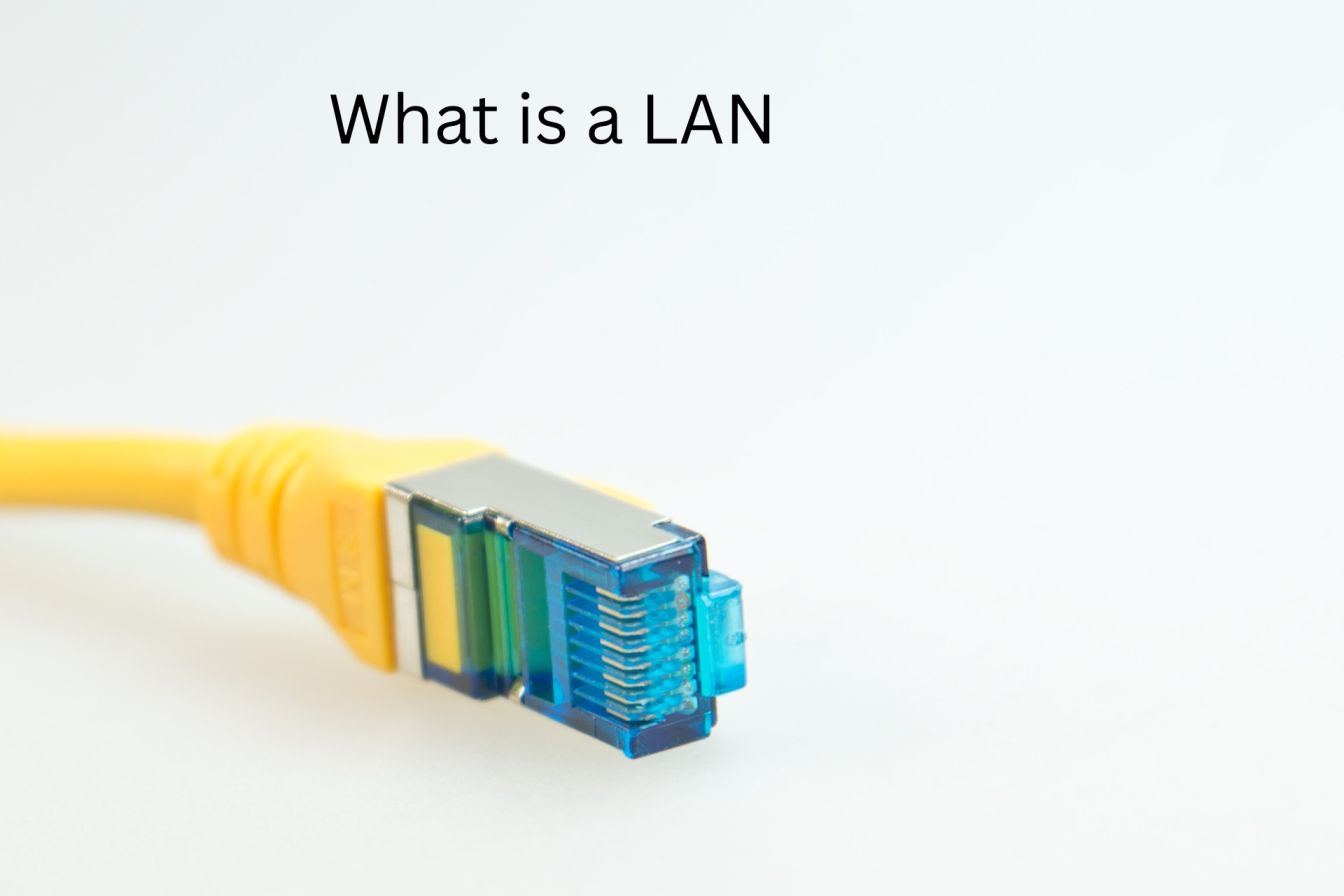
A Local Area Network (LAN) is essentially how your devices can communicate with each other in a small area like your home, office, or school campus. These networks link devices in homes, offices, and schools so they can share files, printers, and internet connections at speeds usually from 100 megabits per second to 1 gigabit per second or faster.
So when I had network problems, I discovered I had about 15 connected devices: laptops, phones, a smart TV, a game console, and even the fridge (thanks, IoT). All competing for bandwidth on the same network.
Some Real-World LAN Examples I Saw Once Upon a Time
Here’s where it got interesting. We’ve got all kinds of LANs: wired Ethernet arrangements that connect devices with copper cabling for the best possible connection, and wireless ones (WLANs) that connect via Wi-Fi for convenience and portability.
My home rig was a hybrid nightmare. My computer was hooked up to the fucking router with an Ethernet cord (Fast and steady), but everything else was on Wi-Fi. The problem? My router was sitting in a corner, and half my devices had feeble signals.
Office networks are different beasts. Most office environments use a star topology, which means each device connects to a central switch, so network connections are isolated except at the central point; if one link goes down, the rest still work. It stands to reason when you have an entourage of 50 who can’t let time off the clock.
I also explored how hospitals segment medical devices, patient records, and guest Wi-Fi networks using VLANs to improve security and performance. Good call; you wouldn’t want someone streaming Netflix on the same network as life-support machines.
Here Is What Was Really Slowing My Network Down
I dug around a bit on forums, did some testing, and found the culprits. Congestion can come from too many devices sharing bandwidth, ineffective subnet management that doesn’t organize traffic properly, or out-of-date hardware that clogs traffic.

My five-year-old router apparently couldn’t handle the load. Also, I had devices spread out on a single network with no order. Everything was yelling for attention at once.
How I Fixed It (And You Can, Too)
The first thing I did: enabled Quality of Service (QoS) on my router to prioritize work calls and streaming over background downloads, upgraded to a newer router with better capacity, and began tracking which devices were consuming bandwidth.
Game changer? VLANs helped segment the network, contain traffic, and reduce congestion. I split my work machines from smart home devices. Suddenly, my Zoom calls weren’t dropping when someone flipped on the robot vacuum.
For the home office, I ran an Ethernet cable. Yes, it’s 2025, and I’m still on the wires, but wired LANs are faster, more reliable, and more secure than wireless networks. That makes them perfect for bandwidth-intensive workloads. My video uploads dropped from 20 minutes to five.
The Cool Tech!
While doing that research, I stumbled upon some next-level nonsense. Wi-Fi 7 revolutionizes networks with: 4096QAM modulation to enable speeds up to 20% faster; a new superset of features to increase throughput and range, such as Multi-Link Operations, which simultaneously sends data across multiple frequency bands for increased performance; and support for 320 MHz channels that double the number of Wi-Fi 6 streams for Double the Capacity from Wi-Fi 6.
Most consumer routers don’t even have that yet, but it’s on the way. For now, Wi-Fi 6 does the trick for anyone who isn’t operating a small data center from their basement.
AI-powered network automation also leverages machine learning to anticipate interruptions before they occur, adjust performance on the fly, and remediate issues without you having to lift a finger. It sounds like science fiction, but enterprise networks are already doing it.
What I Wish I Had Known When I Began
So before we unpack how to speed up a slow LAN, it would make sense to start with the following: devices use excessive bandwidth; too many devices attached to one connection – network congestion. Old Switches/routers can cause performance issues. My biggest takeaway was that you can only have 1, 2, or 3 of those in your home or office.
Check your router’s admin panel. See what’s connected. You’ll likely see forgotten gadgets still sucking up bandwidth.
On a side note, IP address conflicts can kill your connection when 2 devices have the same IP (most often with static IPs that conflict with DHCP ranges). I solved my problem by allowing the router to assign all IP addresses automatically.
My research showed me that LANs aren’t only for big businesses sharing resources and increasing efficiency; they also reduce the cost of peripherals that would otherwise need to be dedicated to a decentralized system and provide security when your network is properly controlled.
I went from annoyed to intrigued. My network works, and now I know why.
FAQs About Local Area Networks
What equipment should I REALLY have for a simple LAN?
Your home will need a router, which lets you connect to the internet; switches, which let you connect multiple devices at the same time; Ethernet-enabled devices (in some cases, they may already be built in); and Ethernet cables.
Will I still be able to work if the internet isn’t available?
Yes- computers on your LAN can still talk to each other and share files and local printers without Internet access. The router only connects you to networks outside your home.
Wireline versus wireless?
Use wired Ethernet for stationary devices that need max speed and reliability, and use wireless for laptops and mobile devices where it’s hard to run cables. Most people do both.

I’m a technology writer passionate about AI and digital marketing. I create engaging and useful content that bridges the gap between complex technology concepts and digital technologies. My writing makes the process easy and engaging. I encourage participation I continue to research innovation and technology. Let’s connect and talk technology!


