Last updated on October 2nd, 2026 at 01:34 pm
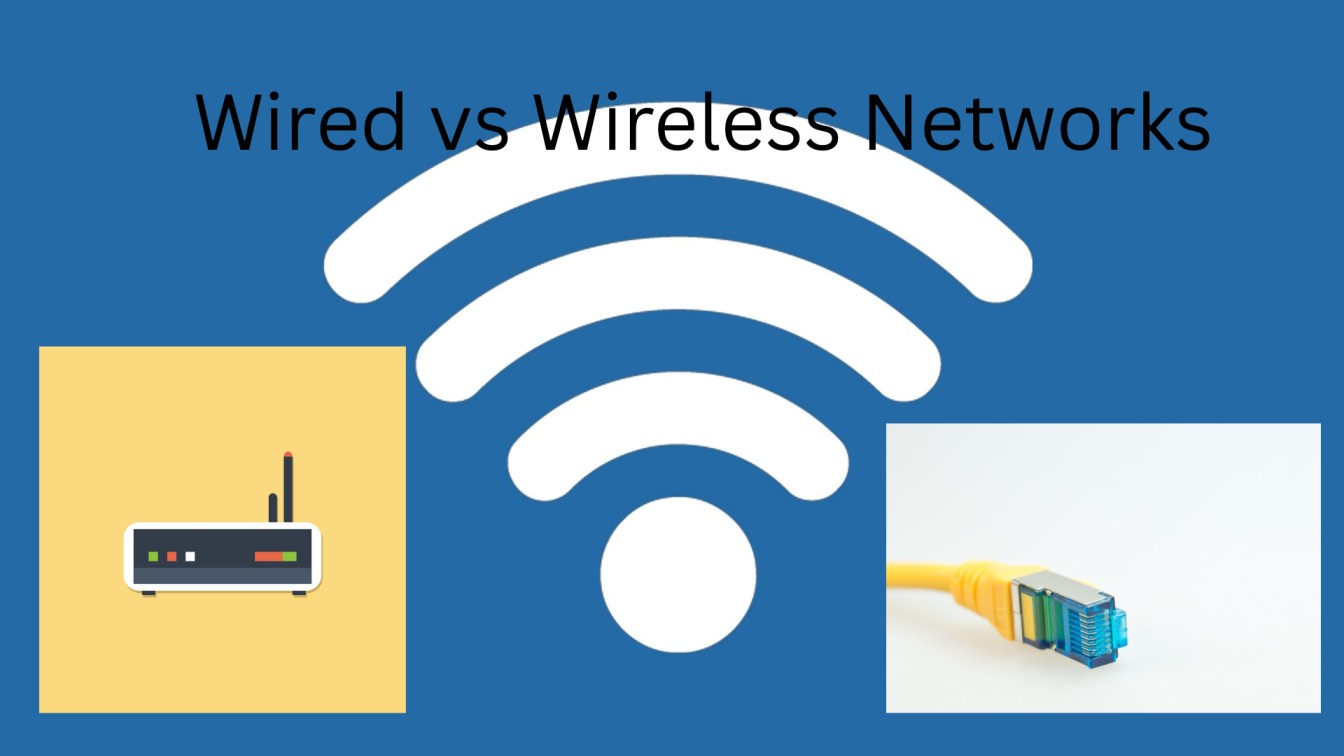
Listen, I spent the past three weeks testing both setups in my home office, not because I love tech (though obvi, a little), but because I was so over my video calls freezing at the worst possible time.
Here’s what actually happened.
Table of Contents
The Setup: What I Had To Work With
I began with a simple wireless configuration: your typical Wi-Fi 6 router, nestled in the living room about 20 feet from my desk. So I got an Ethernet cable and doubled down on wired. Nothing fancy, just real-world conditions.
My goal? Which one actually performs when you have a handful of Zoom calls going, need upload speed, and maybe even stream in the background?
Speed Test Reality Check
First surprise: the numbers weren’t what I expected.
My WiFi measured at around 250 Mbps on a good day. Decent, right? And when I plugged in the Ethernet cord, I never dipped below 920 Mbps. That’s what I mean: wired doesn’t just get you speed; it gets you consistent speed. Wireless networks are fickle things: When you want them to work, there’s always a siren or a leaf blower somewhere in the neighborhood that turns on.
But here’s the conclusion: For most of what I use my laptop for daily (browsing, emailing, even Steam HD), I really couldn’t tell that big of a difference. The speed difference was only noticeable when uploading large video files or downloading game updates.
The Unspoken Thing About Latency
This one caught me off guard. I’m not an avid gamer, but I join calls where milliseconds count. With the wireless, I was getting an average ranging between 4-5ms latency… Not bad at all. But wired? It dropped to 0.3ms.
No big deal until you’re on a video call and everyone is talking over each other from that fraction-of-a-second delay. Or when you share your screen and there is a delay between what you click and what they see. And that latency delta feels real pretty quickly.
When Wireless Actually Won
Right, so wired is faster and more stable. But here is what I didn’t anticipate: the things that made my life easier were benefits of wireless beyond raw speed.
My laptop stayed mobile. I could work on the couch, shift to the kitchen table, go outside for calls. With wired, I was chained to my desk like it was 2005. And the wireless setup took 10 minutes tops. The wired setup? I spent an afternoon (ish) fishing cables through walls and cable managing.
For my phone, tablet, and smart home everything? Wireless was the only option. Unless you’re planning to connect up your doorbell camera with an Ethernet cable (please don’t).
The Interference Issue I Never Saw Coming
Around week two, my wireless speeds began to tank. Randomly, all of a sudden, they went down to 80 Mbps. My neighbor had a new router on the same channel, so we were basically competing for bandwidth.
I changed to the 5 GHz band and was much happier. Still, it brought something back to mind: wireless networks suffer interference from other similar networks, from physical obstacles, and even from the weather. Wired doesn’t care about any of that. You plug it in, it works.
What I’m Actually Using Now
Plot twist: I use both.
My desktop remains wired, simply because I need that wired reliability for work calls and downloading files. Everything else? Wireless. My phone, laptop when I am moving around, all the IoT things spread through the house.
This hybrid approach proved to be the sweet spot. I get the performance where I want it and the flexibility everywhere else. Probably cost me an extra $50 for a longer Ethernet cable and some clips to keep it all neat.
The Bottom Line
If you’re asking which to pick, you are asking the wrong question. It’s not wired or wireless; it’s both.
Wire it up for anything that stays put and needs consistent connectivity: desktop computers, gaming consoles, smart televisions, remote-working stations. Either way, the stability improvement alone is worth the effort of running a cable.
Keep wireless for everything else. For now, your phone doesn’t have an Ethernet port, and neither does your tablet. And guests don’t want to have to hook up cords to check their email.
The actual epiphany from my three-week trial? Stop overthinking it. One cable to your desk is all it takes, and your Wi-Fi does the rest. That’s it. That’s the setup.

I’m a technology writer passionate about AI and digital marketing. I create engaging and useful content that bridges the gap between complex technology concepts and digital technologies. My writing makes the process easy and engaging. I encourage participation I continue to research innovation and technology. Let’s connect and talk technology!


