Yes. Almost all of your original Switch games and save data will work on the new console. Backward compatibility with the Nintendo Switch 2 includes supported physical game cards and compatible digital games. However, not every game, mode, or third-party accessory will work.
Fact-checked October 22, 2026. Nintendo’s official US compatibility list still cites its test summary as “last updated June 5, 2025,” so verify a particular game before you buy it.
Table of Contents
The short answer: what works and what doesn’t
| Original Switch cartridges | Yes, if the game is compatible | Some games have issues or are unsupported |
| Digital purchases | Yes, through your Nintendo Account or system transfer | Compatibility is still game by game |
| Save data | Yes, via system transfer | Nintendo qualifies which data transfers |
| Joy-Con and Pro Controller | Yes, wirelessly | Some features need original Joy-Con |
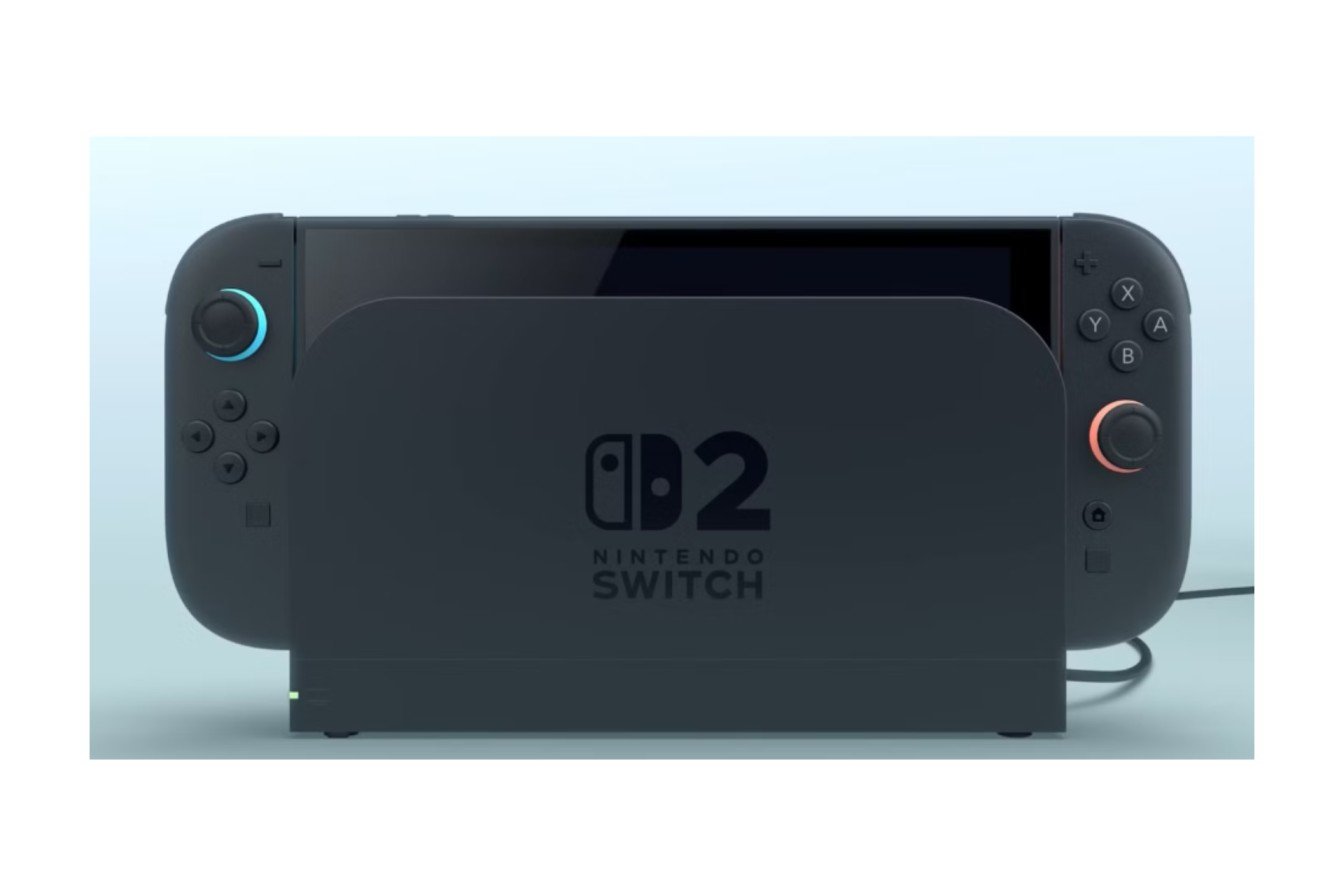
| Original Switch dock | No | Not compatible with Switch 2 |
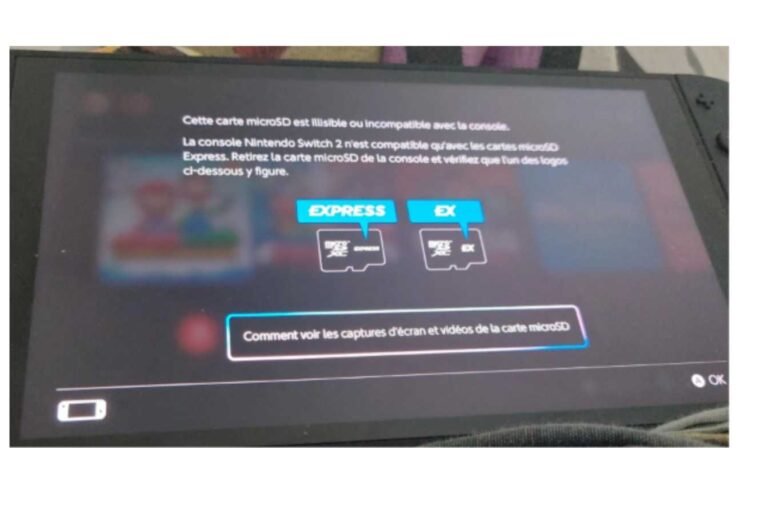
| Original microSD cards | No for Switch 2 game storage | Switch 2 needs microSD Express |
Your existing library: cartridges and digital games
Nintendo has also confirmed that all compatible original game cards and digital games can be played on Switch 2. You won’t have to buy a game again to enjoy it.
Physical Cartridges. Pop the cartridge in and the game will start if it is supported. Games may be incompatible for a few reasons: they might not start at all, have progression issues, work only partially, or be unsupported.
Digital games. Digital purchases are associated with your Nintendo Account. Nintendo’s system transfer lets you move your digital purchases, save data, and settings to a new console, with digital games downloading automatically.
So continuity for the library is more than “swap out the old cartridge.” Your library goes where you go – in your purchases, your settings, your progress.
Why some games don’t behave
The Switch 2 isn’t a new Nintendo Switch tucked into a larger shell. In the interview Nintendo conducted with the developer, they note that they read the Switch game’s data in real time while also playing it, similar to simultaneous translation. That’s engineering and testing, not additional power.
No, work as explained by Nintendo: Nintendo’s compatibility page says its testing involves “boots up into the main menu and then run a limited set of tests,” and that “status can change when problems are discovered.” So if a game boots up, it doesn’t mean it was tested in detail, one chapter after another, one mode after the next, on every controller possible.
Will your old games run better?
Sometimes, but not always. A review can mix between these four experiences:
| Standard compatibility | The original game runs on Switch 2 | That every mode and accessory works |
| Better performance within old limits | Extra hardware headroom helps a game hold its existing targets | That an unpatched game gets a higher frame-rate cap or new textures |
| Free enhancement update | The developer patches the game with improvements | That every updated game gets the same ones |
| Switch 2 Edition | The original game plus a paid upgrade pack | That owning the original includes the upgrade |
Independent testing backs that up. Digital Foundry’s Batman: Arkham Knight performance analysis revealed huge improvements but also sacrifices, including dirt-poor textures and no anti-aliasing. More power can sometimes resolve a bottleneck without upgrading a game’s base content.
A game using dynamic resolution would behave the same way. It might linger longer around its current upper bounds, but that doesn’t mean the developer set that upper limit.
Free updates: a few examples
Nintendo has a list of free-to-update games: games. That’s where to keep an eye on the list, as it updates all the time. There are three documented examples of how much of a difference they make:
- Pokémon Scarlet and Violet: Enhancement to image quality and frame rate
- Super Mario Odyssey: enhanced image quality, HDR, and GameShare support
- Splatoon 3: improved graphics and animation, but solely in the plaza and Grand Festival Grounds
And that last one is a timely reminder always to read the wording. Sometimes a frame-rate upgrade matters in specific areas, and “improved frame rate” certainly isn’t the same as a locked 60 fps.
The list has continued to expand well beyond launch, with Mario Kart 8 Deluxe added in September 2026. This is evidence the program is still active. That doesn’t necessarily mean every future game is scheduled to get an update.
Switch 2 Editions: do you pay again?
A Nintendo Switch 2 Edition is a game that offers Switch 2-specific upgrades or content, including improved visuals, enhanced frame rates, and exclusive modes or features, tailored to each game. You can purchase the corresponding upgrade pack without repurchasing the entire game, whether digital or physical.
There is an exception for subscriptions. Certain upgrade packs, such as those for Breath of the Wild and Tears of the Kingdom, are offered through Nintendo Switch Online + Expansion Pack. This provides access through a membership rather than permanent ownership, and you still need the base game. Availability may differ by region, so refer to Nintendo’s Expansion Pack page for your country to see what is offered. (The linked page is for the UK; use your local link if you are serving a different region.)
GameCube games on Switch 2 will be a standalone Nintendo Classics collection, and not backward compatibility for the original Switch.
Save data: check before you wipe anything.
Compatibility and save migration are distinct. A game may work smoothly and still require some work on its save migration. Nintendo explains transferAble save data with caveats, so you can’t assume every game will be similar.
Before you sell, reset, or pass along your old console:
Step 1: Run Nintendo’s system transfer to bring your purchase history, compatible save data, and settings to your new Switch.
Step 2: Allow the digital titles to re-download on Switch 2.
Step 3: Launch your favorite titles to verify that your saves migrated.
Step 4: After completing the previous steps, you may reset or sell the old console.
Skipping Step 3 is a common mistake, since you can’t undo wiping a console.
Controllers: what still works
Old Joy-Cons can pair with Switch 2 wirelessly, but they can’t click onto the system and still need an independent way to charge, like the classic Switch or a supported charging grip. The old Pro Controller can still connect wirelessly, just with limited functionality. And old controllers can’t turn on Switch 2 with their HOME button.
The Nintendo Switch 2 controllers and Joy-Con 2 can be found in our list of Nintendo Switch 2 pairing and new hardware.
Games that need the original Joy-Con
IR Motion Camera for J2’s right Joy-Con doesn’t appear on J2. These features in 1-2-Switch, Game Builder Garage, and WarioWare: Move It! require the original Joy-Con.
Fit issues are different, and a software update does not resolve them:
- Ring Fit Adventure requires an original Joy-Con for the Ring-Con and leg strap.
- Nintendo Switch Sports: Soccer Shoot-Out requires an original Joy-Con for the leg strap.
- Nintendo Labo VR Kit: not playable at all, as the Switch 2 doesn’t go into the Toy-Con VR Goggles
If you’re upgrading and have fitness games or Labo, keep the original Joy-Con and be ready to recharge them.
Dock, storage, and other hardware
Accessories are where owners get caught out, since game compatibility doesn’t necessarily mean accessory compatibility.
- Source dock: not for Switch 2. What to get instead: our Nintendo Switch 2 dock guide. These details mean you can’t dock your Switch 2 in the standard dock.
- MicroSD cards used in current systems: cannot be used for Switch 2 game storage. Switch 2 requires microSD Express format (see our Nintendo Switch 2 SD card requirements guide for full specs).
If you have anything else you might reuse, start with our roundup of Nintendo Switch 2 equipment.
Who should keep their original Switch for now?
Let’s get you a new handheld console. You don’t have to put the old one away the second you get the new one. Keep it around a little if you…
- You use Ring Fit Adventure, Labo VR, or other games that include accessories.
- The game you love has a known problem.
- You haven’t confirmed that big saves made it through.
- Original Joy-Cons require a prior console to charge.
Once those are out of the way, you can sell or salvage it with peace of mind.
How to check whether a specific game works
Check the specific game page or the eShop for the current status. This was Nintendo’s own recommended course of action.
Step 1: Find out the specific game and version. Understand the original Switch release separately from the Switch 2 Edition.
Step 2: Review the permitted controllers, accessories, or modes on Nintendo’s website.
Step 3: Determine which path applies: compatibility, compatibility with a free update, compatibility with an upgrade for a fee, or subscriber access.
Step 4: Check the game’s page or eShop listing for the current status, and record the date you checked.
If two reports conflict… In the corresponding field for each report, check the software version, the date, and the mode tested. An older report may mention a problem that was later fixed or miss one that appears in the newer report.
For a more in-depth look at the differences between the two consoles, check out our Nintendo Switch 2 vs original Switch comparison.
Frequently asked questions
Can I play Nintendo Switch games on Switch 2?
No. It supports compatible physical and digital software, but it also lists unsupported software and games with compatibility or functionality issues. Verify a game before purchasing or moving your game collection.
Am I required to repurchase my original Switch games?
Not to use them. You’ll purchase again only if it’s an upgrade pack for a paid Switch 2 Edition.
Will the games all run in 4 K/60?
No. Neither is guaranteed by standard compatibility. Game-specific enhancements are not covered, and older visual limits may remain even if performance improves.
Difference between a compatibility fix and an enhancement update?
A game is optimized if it runs correctly on Switch 2. An upgrade adds or improves existing features like image quality, HDR, or GameShare. A game may be compatible without having any of the above.
May I pair the original Joy-Con and Pro Controller?
Yes, wirelessly, with any supported titles. Some titles require features unique to the original Joy-Con, and we can’t guarantee that a controller used to wake the console via the HOME button will work.
The bottom line
You can mostly take your original Switch library with you. Cartridges, digital purchases and eligible saves still have a route to Switch 2. The unexpected ones are games, accessories, and hardware: Ring Fit, Labo VR, the IR camera titles, the old dock, and microSD cards.
Take compatibility on a title-by-title basis. Validate the titles that count on Nintendo’s own websites, move and test your saves, and then you can retire the old system. For everything else about the new machine, see our Nintendo Switch 2: Complete Guide.

I’m a content writer passionate about games and strategy. I’m dedicated to creating engaging, informative content for today’s audience. I keep a close eye on the latest gaming and industry trends to deliver entertaining, informative articles. Whether it’s exploring new tools or analyzing the sport, I bring a new, accessible voice to each episode. Let us connect and enhance your content with knowledge and insight!