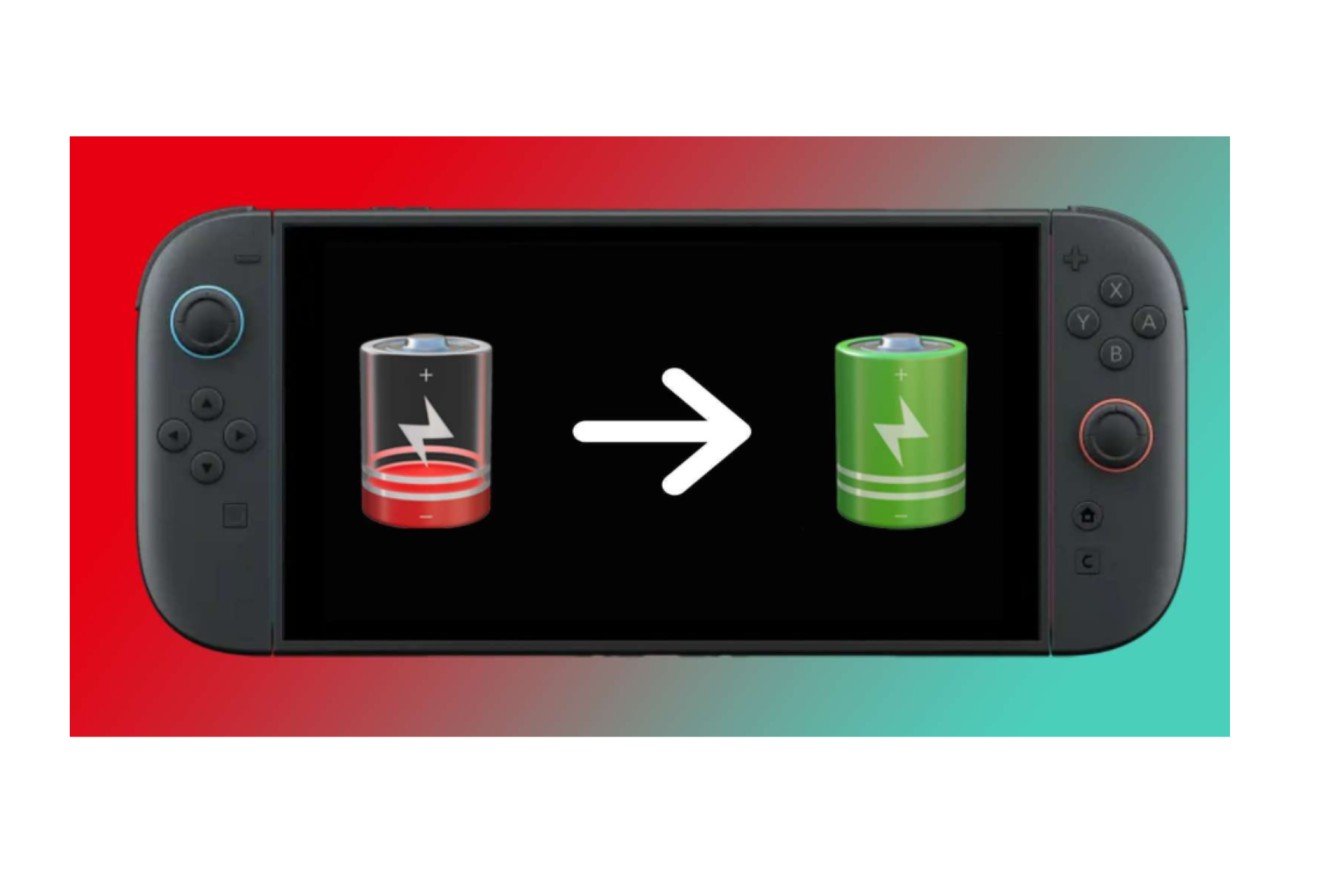
Nintendo Switch 2 battery life is estimated at 2 to 6.5 hours of handheld gaming. That’s a massive range, and how long it lasts depends on the kind of game you’re playing. Heavy-duty games (like the aforementioned Skyrim) tend to be at the bottom, while lighter fare may last longer.
Read this section to understand how to interpret that range, what independent testing shows, the difference between charging and normal drain, and when it’s actually a problem. This is a part of our Nintendo Switch 2: Complete Guide.
We validated the data using Nintendo’s websites and reviews published up to October 14, 2026.
Table of Contents
How long does the Nintendo Switch 2 battery last?
Official Nintendo estimates range from 2 to 6.5 hours of gameplay, depending on the software and features used. Nintendo Switch 2’s built-in 5,220 mAh battery is lithium-ion (see our Nintendo Switch 2 hardware specs).
The 6.5 hours is a best-case scenario. Nintendo doesn’t specify which games, settings, or calibration lead to 6.5 hours, so this estimate provides only the upper and lower boundaries.
Capacity doesn’t equal run time, either. In a Nintendo developer interview, the team said they had to carefully balance a faster CPU, more memory, and a more advanced screen against portable runtime from the system’s battery. Capacity was increased to roughly 1.2 times that of the original Switch, though the system consumes more of that power.
Real-world results: what independent tests found
The reviewers score differently, so the results don’t match up:
| Tom’s Hardware | Fortnite | About 2 hours 16 minutes |
| Tom’s Hardware | Breath of the Wild | About 2 hours 56 minutes |
| WIRED | Cyberpunk 2077, Hitman: World of Assassination | Roughly 2 hours |
| WIRED | Mario Kart World | Closer to 4 hours |
| Digital Foundry | Demanding games, including Mario Kart World and No Man’s Sky | About 2.5 hours |
This shouldn’t be interpreted as a game ranking. WIRED clocked just under four hours in Mario Kart World, while Digital Foundry clocked around 2.5 hours in demanding titles. They used different configurations, locations, and procedures, and I haven’t cross-checked the conditions, so neither number should be considered the right one.
The common trait among these tests is that the most demanding games rank at or near the bottom of what Nintendo’s options can deliver, and none hit 6.5 hours. So take the high number with a grain of salt, as something to aim for in lighter games, not average ones.
How much battery do you need for your session?
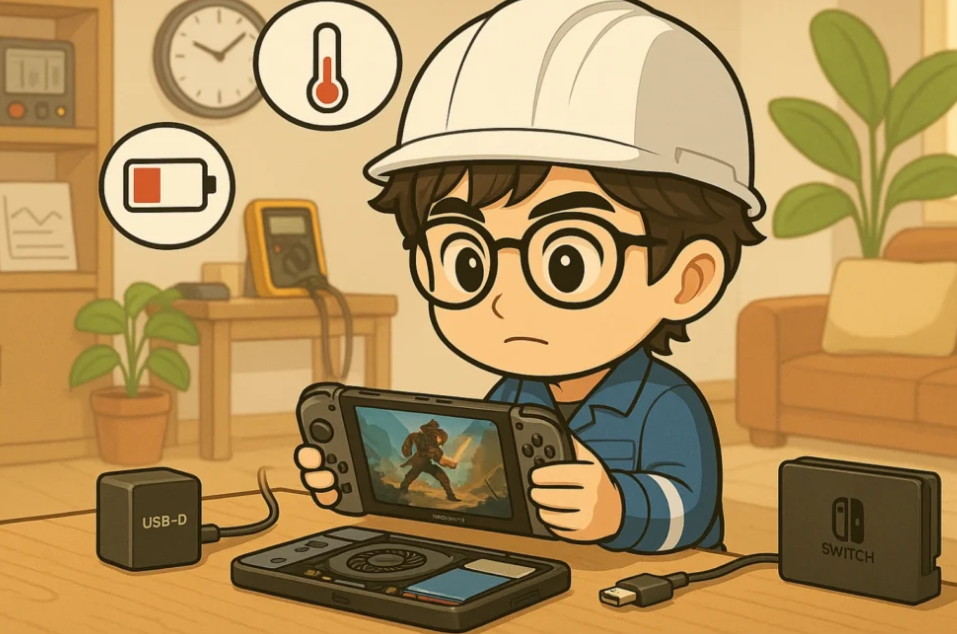
Forget how long the battery lasts; ask whether it’ll get you through whatever you’re gonna do. This is a planning guide, not measured Switch 2 data.
| Short commute | Check your percentage before leaving. A decent charge usually covers it. |
| Two-hour session | A demanding game could leave little reserve, so start at 100%. |
| Long flight or road trip | Plan for charging access or a compatible power bank. |
| Away from Wi-Fi | Offline play cuts wireless activity, but the gain varies by game. |
As a general guide based on the above tests (not an official number), use around 2-3 hours in the most intense games. Lighter games could go on longer, but use your own session to gauge.
Why the battery drains faster than you expected
There are a few factors that affect console performance:
- Workload from a game. A graphically demanding 3D game and a minimalist 2D platformer require entirely different workloads from the hardware.
- Display brightness. The brighter it is, the more power it consumes.
- Wireless and online capabilities. Nintendo cites online features as a factor influencing playtime. Although each may cost a certain amount, I won’t quantify it.
- Battery age. Battery capacity degrades over time, just like any other lithium-ion cell.
- Temperature. Nintendo’s care advice reminds you not to expose the console to heat, so avoid leaving it in the car or in direct sunlight.
Batteries also discharge slowly while a console sits unused. That’s one reason Nintendo recommends charging periodically during storage (more below).
How long does the Switch 2 take to charge?
A full charge requires approximately 3 hours when the system is in sleep mode or off. Charging takes longer if the system is in use.
Playing while charging is safe. When docked, the Nintendo Switch 2 charges from the dock so that you can add significant juice. With a power bank or third-party charger, always read Nintendo’s charging advice first, since not all USB-C sources have the same power output, and one that’s too weak may charge slowly while playing. See our Nintendo Switch 2 accessories guide here.
Getting more playing time from one charge
- Turn the brightness down to a comfortable level, not all the way. Nintendo doesn’t publish the gain, so don’t expect a specific number of extra hours.
- Turn off other Wi-Fi features you aren’t using. Airplane mode can be a good option if you’re playing alone on a train or airplane.
- Skip online features for single players.
- Bring a power bank if you’re planning a long trip. It’s the only solution that will increase your time rather than decrease it.
A pair of Joy-Con 2 controllers has its own batteries, so if one controller dies, that’s different from the console running out of power.
Battery health: what long-term owners should know
All Nintendo Switch batteries will degrade a little over time. Nintendo recommends charging the console every six months while in storage, or replacing the battery if it no longer charges or if battery life is very short.
Another is the Stop Charging Around 90% option on System Settings → System. Nintendo says the feature helps limit battery damage, and its description says it limits unplugged time. In the wild:
- It doesn’t extend play time. You trade a bit of runtime with each charge for a battery that lasts longer.
- Nintendo says the console may still charge to 100% occasionally for calibration.
It’s a perfect fit for a docked console. If you rely on every handheld minute, you may prefer to leave it off.
Replaceable batteries: planned for Europe
Nintendo is unveiling new Switch 2 systems with user-replaceable batteries, with a portion set to roll out from Fall 2026 onward (dates subject to change). Capacity listed is 5,172 mAh, roughly 1% lower than the current model’s 5,220 mAh, and the bundled Joy-Con 2 controllers can also have replaceable batteries, though Nintendo claims no functional difference.
This is a repairability change, not a runtime upgrade. Announcements cover Nintendo of Europe territories and don’t confirm all markets or availability in India, so check local Nintendo support pages.
How to tell normal drain from a real problem
The time the console runs shouldn’t mean the battery is faulty. Two hours of intensive gameplay is within Nintendo’s figure.
Nintendo’s own check: fully charge your console and see if it will last the stated amount of time. If not, you will probably need to service it.
Additional precaution (our recommendation, not a Nintendo requirement):
- Charge to full and record your brightness and wireless configuration.
- Complete the same game conditions and note the time it takes to reach a predefined achievement level, for example, 20%.
- Repeat it at least once before concluding anything.
That’s also a lot of information Nintendo Support can use.
How to check the Nintendo Switch 2 battery percentage
According to Nintendo Support, tap ZL+ZR to see the percentage for a second, or enable the display to stay on in System Settings. Follow Nintendo’s directions here.
Switch 2 vs original Switch battery life.
Nintendo releases alternate estimates for each model:
| Original Switch (launch model) | About 2.5-6.5 hours |
| Revised Switch and Switch OLED | About 4.5-9 hours |
| Nintendo Switch 2 | About 2-6.5 hours |
Switch 2 Power & battery life: We sacrifice a bit of battery life for a more powerful, bigger, more attractive screen. You’ll feel it if you mostly play casual games on other devices. Coming from a Switch? Make sure you’ve got a lot of plugs.
FAQs
Will the Switch 2 last 6.5 hours?
This is using lighter software. With more intensive games, we saw around 2-3 hours of use, and one result of nearly 4 hours with Mario Kart World.
Can I game while plugged in?
Yes, but it takes longer than the 3 hours Nintendo quotes for a powered-down console.
Power banks – allowed?
Usually, but check Nintendo’s charging info, since different USB-C sources don’t always deliver the same amount of juice.
Will the 90% setting last longer?
Not necessarily. It’s designed to delay long-term wear.
Should I be concerned about the battery’s health at any particular time?
Your full charge cycles far less than Nintendo’s range when you compare like with like, or if it doesn’t charge at all, contact Nintendo Support.
The short version
Aim for 2 to 3 hours of heavy games, more in casual ones, and don’t push past 6.5 hours. Use lower brightness, disable Wi-Fi when you don’t need it, and keep a portable charger for long travels. If you feel the battery life is incorrect, run Nintendo’s test first, then call support.

I’m a content writer passionate about gaming and strategy. I create engaging and informative content based on the latest gaming trends and industry updates. I enjoy exploring new tools, analyzing games, and making complex topics easy to understand for readers.